Meeting Transcript to Action-Item Checklist
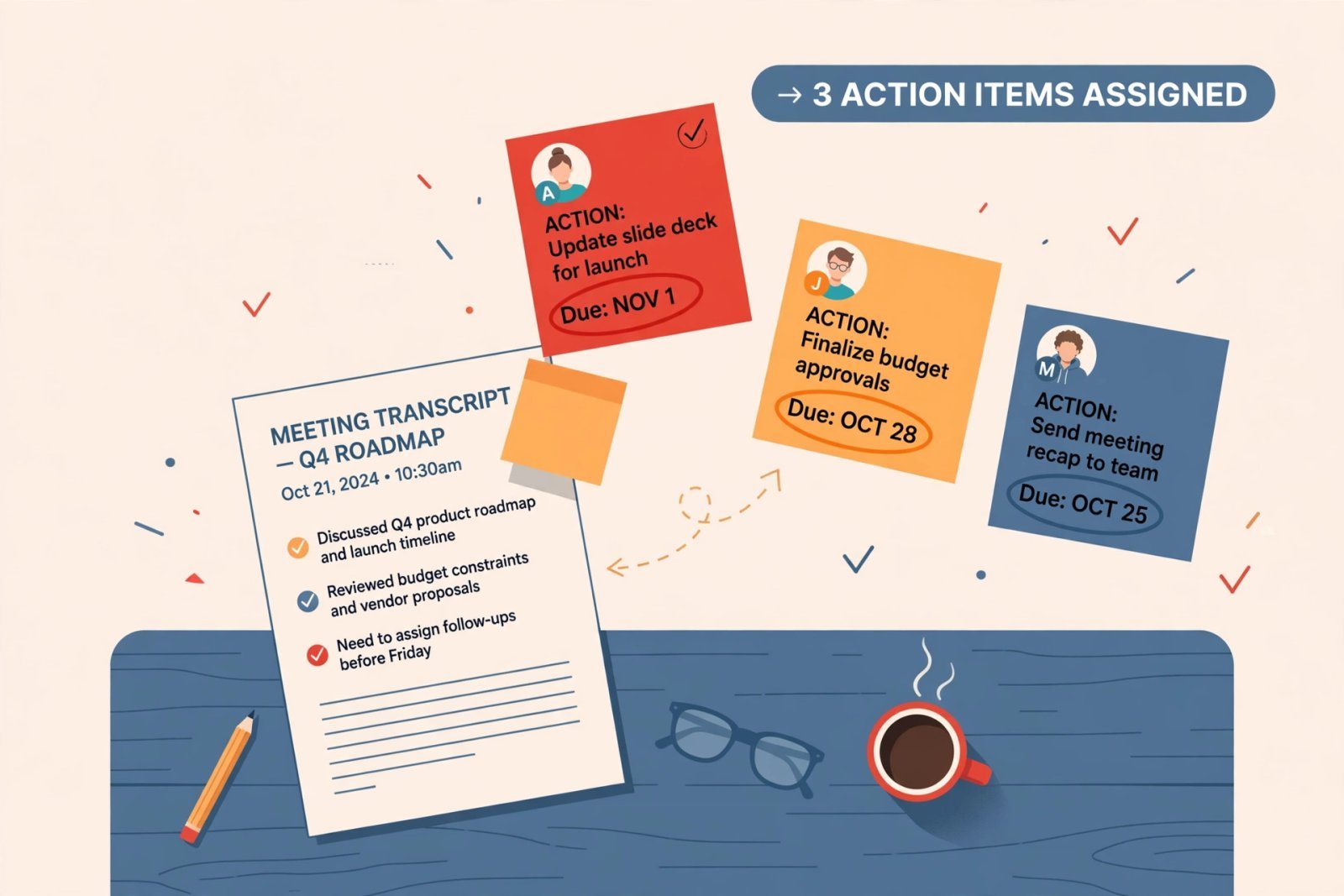
Drop in a meeting transcript and get every decision, owner, and deadline extracted into a clean, assignable action-item checklist.
Customize this prompt
Fill in the fields below — the prompt text updates automatically. [BRACKETED] words are placeholders you replace.
The prompt
Act as a meticulous meeting secretary. I will paste a meeting transcript below. Extract and structure everything as follows: 1) DECISIONS: a bullet list of every decision made, with the exact wording of what was agreed. 2) ACTION ITEMS: a numbered checklist where each item has — the task in one line, the owner (person's name from the transcript, or 'UNASSIGNED'), and the deadline (date mentioned, or 'NO DATE SET' in bold). 3) PARKED ITEMS: topics raised but not resolved, with one line on what each needs to move forward. 4) FOLLOW-UP DRAFT: a ready-to-send message I can paste into [TEAM_CHANNEL, e.g. Slack, email] summarizing the meeting for people who missed it, in a [TONE, e.g. neutral and factual] tone. 5) RISKS: anything that sounded like a disagreement, confusion, or blocker, quoted briefly. Rules: never invent owners or deadlines that were not stated; mark ambiguities clearly; ignore small talk. Meeting context: [PROJECT_NAME] standup with [ATTENDEES]. Here is the transcript:

[PASTE_TRANSCRIPT_HERE]
How to use it
- Paste the meeting transcript into the placeholder.
- Add project name, attendees, and the channel the summary goes to.
- Check the extracted owners and deadlines against your notes.
- Send the follow-up draft to the team channel.
- Track the UNASSIGNED items in your task tool.
Customization tips
Set TEAM_CHANNEL, TONE, PROJECT_NAME, and ATTENDEES. Add a section for budget or timeline impacts if your meetings track those.
Example use case
Team leads and managers converting meeting transcripts into clear, assignable action items.
Frequently asked questions
What if the transcript is from auto-captions with errors?
It still works — the prompt looks for decisions and commitments, which survive caption errors. Fix obvious name misspellings in the ATTENDEES list so owners are extracted correctly.
Can it handle multi-speaker transcripts without labels?
Yes, but owner extraction is less reliable. Provide the attendee list so the AI can match names from context, and verify the UNASSIGNED flags afterward.
Share
Tags: meetings action items productivity summarization teamwork transcript
Reviewed by the PromptVault editorial team on October 21, 2026.
Source notes: Daily pipeline 20261021 batch 11