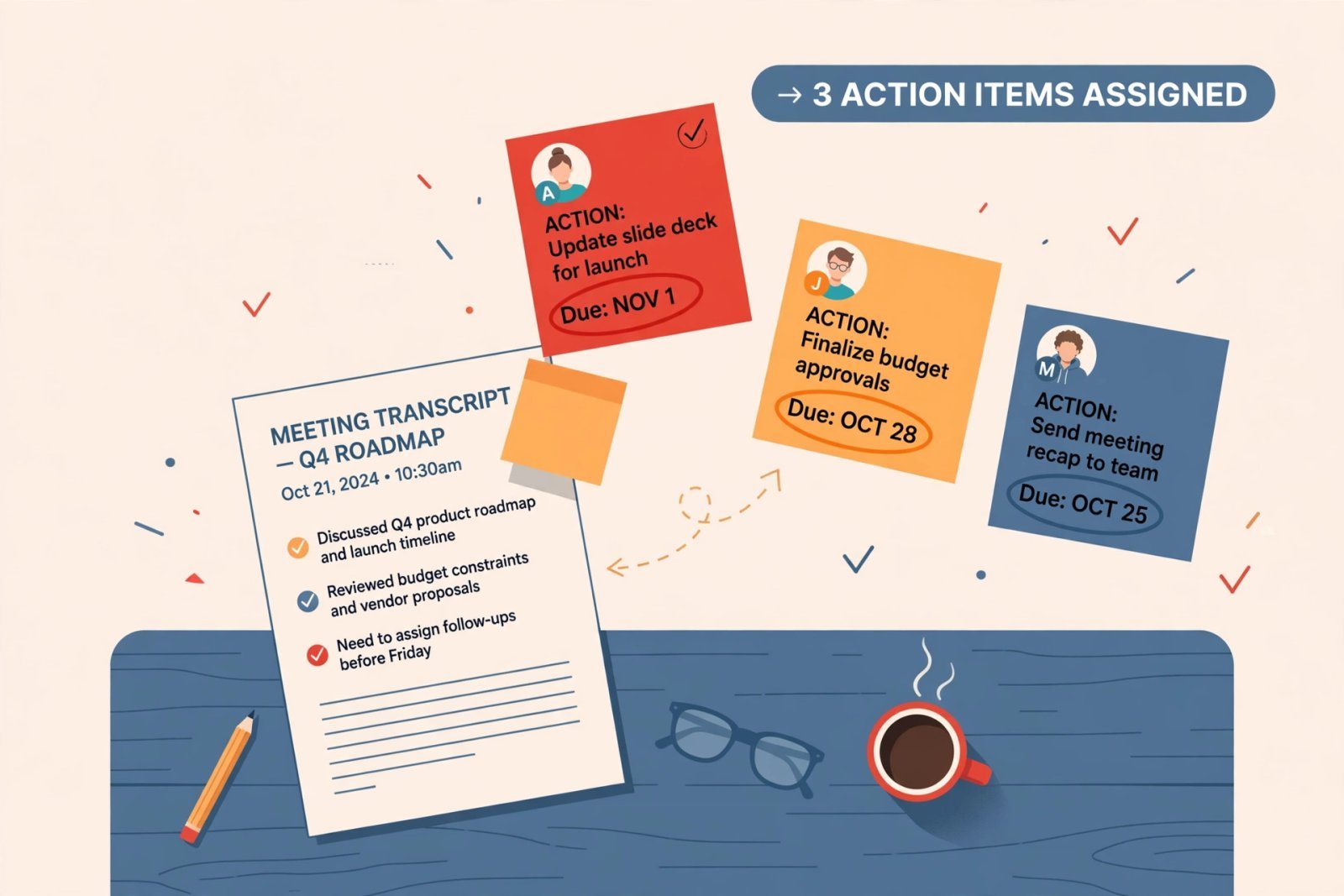
Meeting Notes to Action Items Automation Workflow
Turns raw meeting notes into a decision log, owned action items with deadlines, and a ready follow-up message.

Customize this prompt
Fill in the fields below — the prompt text updates automatically. [BRACKETED] words are placeholders you replace.
The prompt
Act as an executive assistant that converts meeting notes into accountable follow-up. Here are the notes or transcript: [MEETING_NOTES]. The meeting was about [MEETING_TOPIC], attendees were [ATTENDEES], and the date was [MEETING_DATE]. Produce: 1) a 5-bullet summary of what was discussed, 2) a decision log listing every decision, who made it, and why, 3) an action-item table with columns for task, owner, deadline, and priority, where every item starts with a verb and has exactly one owner, 4) a list of open questions with the person who should answer each, and 5) a ready-to-send follow-up message addressed to [ATTENDEES] summarizing decisions and action items. If a deadline was not stated, propose one based on [DEFAULT_DEADLINE_RULE] and mark it as proposed.
How to use it
- Paste your meeting notes or transcript.
- Add topic, attendees, and date.
- Review the decision log and action-item table.
- Send the follow-up message to attendees.
Customization tips
Use it for any meeting type, add your own decision log format, and set the follow-up deadline rule to match your team norms.
Example use case
Anyone who leaves meetings with unclear follow-ups and wants owned, dated action items.
Frequently asked questions
Does this work with rough notes instead of a full transcript?
Yes. The prompt extracts decisions, owners, and deadlines from any transcript or note format, including rough bullet points.
Can the action items go straight into my task tracker?
Action items are phrased with a verb, an owner, and a deadline, so they can be pasted straight into a task tracker without rewriting.
Share
Tags: automation meetings action items productivity decision log follow-up
Reviewed by the PromptVault editorial team on October 18, 2026.
Source notes: Daily pipeline 20261018 batch 11