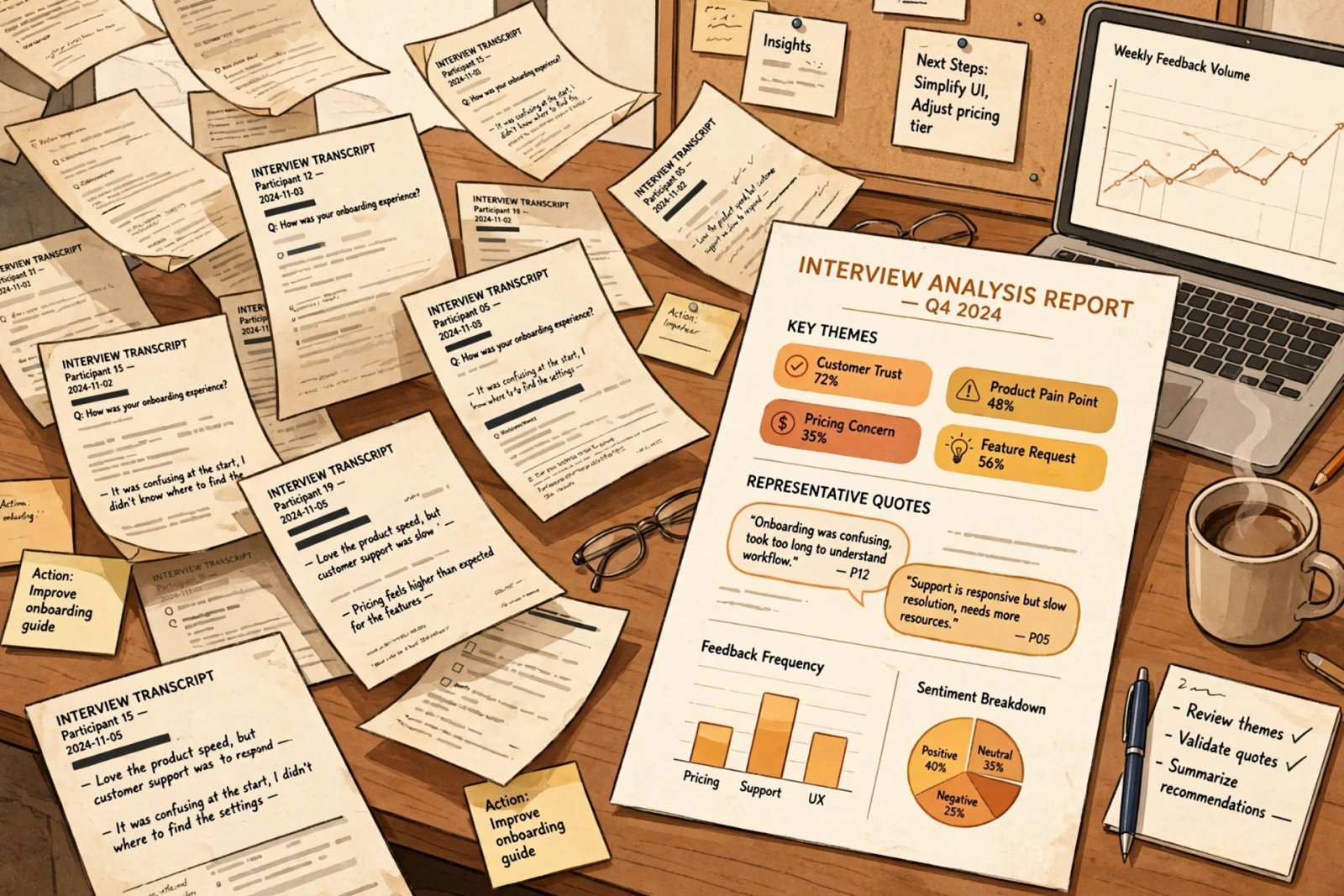
Turn Messy Interview Transcripts Into Clear Findings
A qualitative research prompt that codes messy transcripts into themes, quotes and next steps.
Customize this prompt
Fill in the fields below — the prompt text updates automatically. [BRACKETED] words are placeholders you replace.
The prompt
You are a qualitative researcher. I have interview transcripts from [NUMBER_OF_INTERVIEWS] interviews about [RESEARCH_TOPIC] with [PARTICIPANT_TYPE]. Here are the transcripts: [TRANSCRIPTS]. Analyse them and produce clear findings: first, list the 4 to 6 main themes that appear across interviews, with a one-line definition for each. Then, under each theme, give two or three short supporting quotes with the speaker labelled as Participant 1, 2 and so on. Next, note any surprising or contradictory views, and any topic that came up only once but seems important. Finish with a short summary of what this means for [DECISION_OR_PROJECT] and three follow-up questions for the next round of research. Use only what is in the transcripts; do not invent quotes or participants, and say clearly if the sample is too small to generalise.
How to use it
- Paste the transcripts with speakers labelled
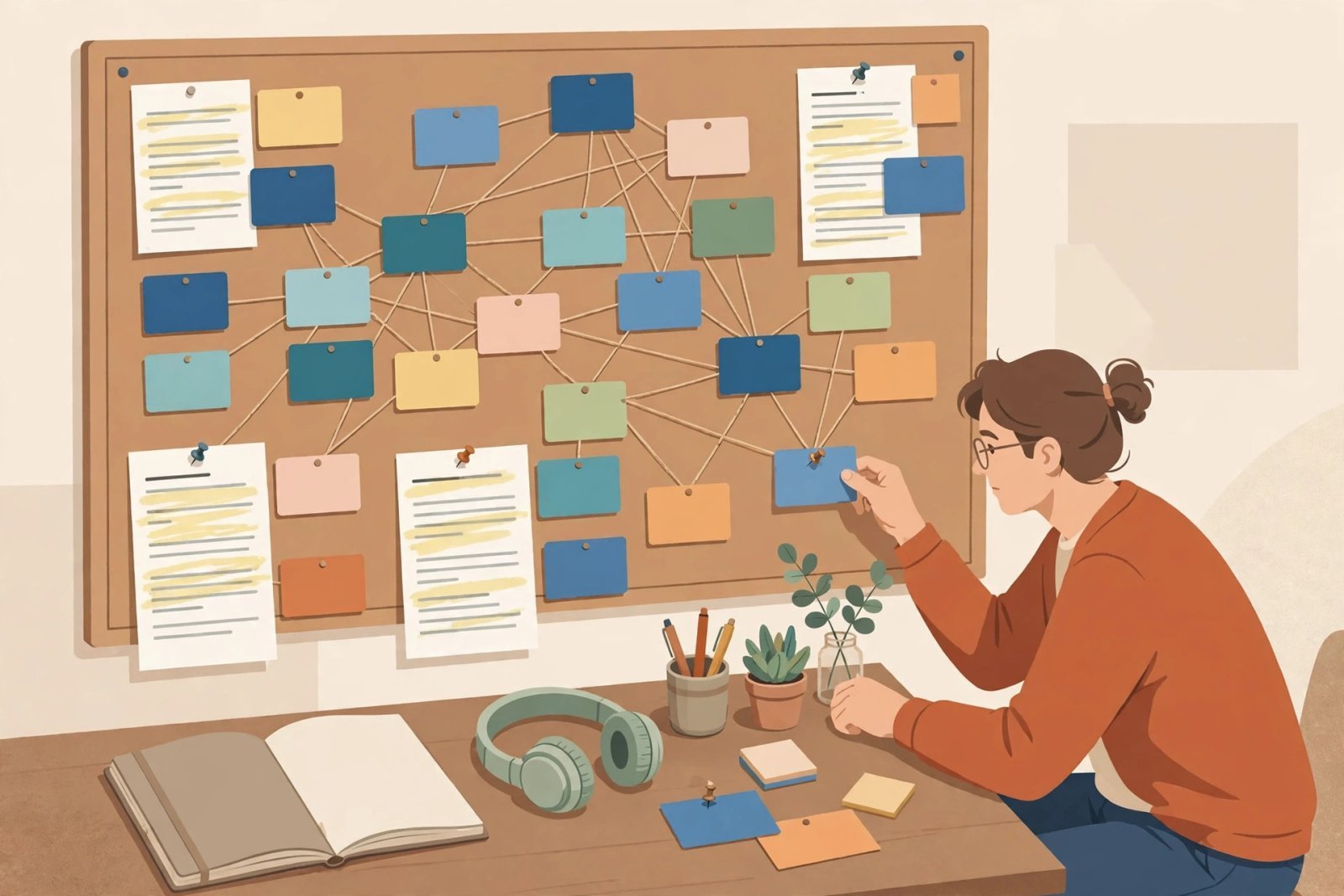
- Identify recurring themes across interviews
- Attach real quotes to each theme
- Note surprises, contradictions and one-offs
- Write the summary for your decision or project
- List follow-up questions for the next round
Customization tips
Replace [TRANSCRIPTS] and [RESEARCH_TOPIC] with any interview set, from user research to journalism.
Example use case
Researchers, product teams and students turning interview hours into findings they can act on.
Frequently asked questions
How many interviews do I need for themes to be useful?
Five to eight usually surface real patterns; fewer than three is better treated as early exploration.
Can I paste transcripts in any format?
Yes, as long as speakers are labelled; the prompt asks the AI to keep quotes tied to their speaker.
Share
Tags: qualitative research interviews thematic analysis research transcripts findings
Reviewed by the PromptVault editorial team on November 15, 2026.
Source notes: Daily pipeline 20261115 batch 10