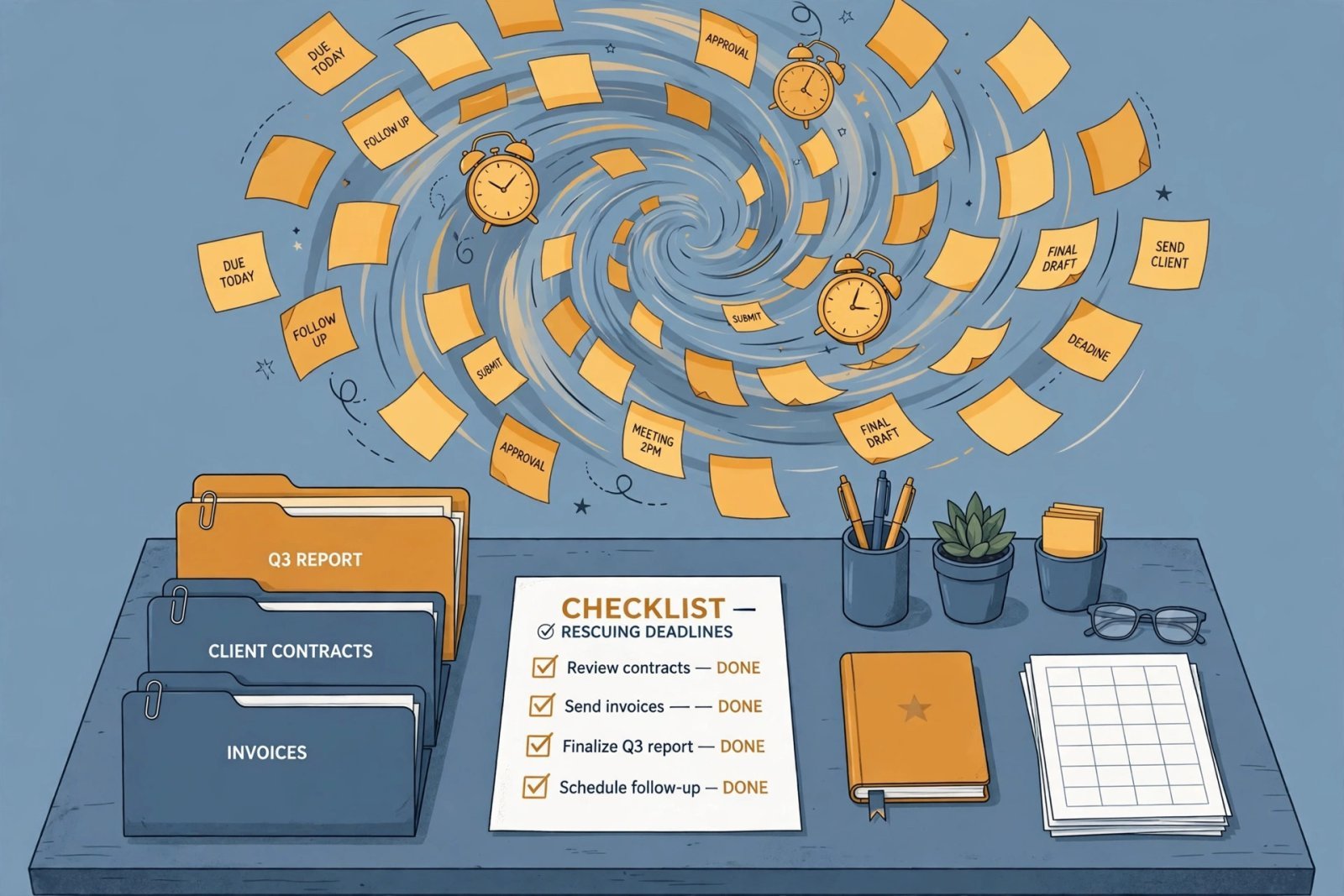
Weekly Review Automation: Task Triage System
Build a weekly task-triage workflow that sorts a messy to-do dump into priorities, delegations, and a focused action list.
Customize this prompt
Fill in the fields below — the prompt text updates automatically. [BRACKETED] words are placeholders you replace.
The prompt
You are a productivity systems designer. Build me a weekly review and task-triage system based on how I work: [WORK_DESCRIPTION]. My current messy task dump: [PASTE_TASKS]. My top [NUMBER] goals this quarter: [GOALS]. Design the output in two parts. PART A — This week's triage: 1) Sort every task into: Do this week (max [NUMBER]), Schedule later (with suggested week), Delegate (to [TEAM_OR_ROLE]), or Drop/park — with a one-line reason for each Drop. 2) Flag any task that conflicts with my goals or is missing a clear next action, and rewrite it as a concrete next action. 3) Identify my [NUMBER] highest-leverage tasks and explain why in one line each. PART B — Reusable system: a 20-minute weekly review checklist I can repeat every [REVIEW_DAY], with [NUMBER] steps, plus a simple template for future task dumps (fields to include). Constraints: be decisive — no task stays unclassified; keep reasons to one line; total output under [WORD_COUNT] words.
Recommended settings
Suggested: default settings; rerun weekly with a fresh task dump.
These are suggested starting points from our editors, not verified test results.
How to use it
- Brain-dump every open task without organizing — messy is fine.
- Fill in your work context and quarterly goals.
- Run the triage and review each classification critically.
- Move 'Do this week' tasks into your calendar or task app.
- Repeat the review checklist every week on your chosen day.
Customization tips
For teams, add a 'waiting on' category for blocked tasks. For students, replace quarterly goals with this semester's courses and deadlines.
Example use case
Use every week to convert an overwhelming task list into a short, decisive action plan aligned with your actual goals.
Frequently asked questions
What if I disagree with the AI's priorities?
You should — it's a sparring partner, not a boss. Override its calls and note why; your judgment plus its sorting speed is the real system.
How is this automation?
It automates the thinking template of a weekly review. Paste a fresh dump each week and the same rigorous triage runs in seconds.
Share
Tags: productivity task management weekly review prioritization automation gtd
Reviewed by the PromptVault editorial team on October 10, 2026.
Free for personal and commercial use. Review AI output before publishing.