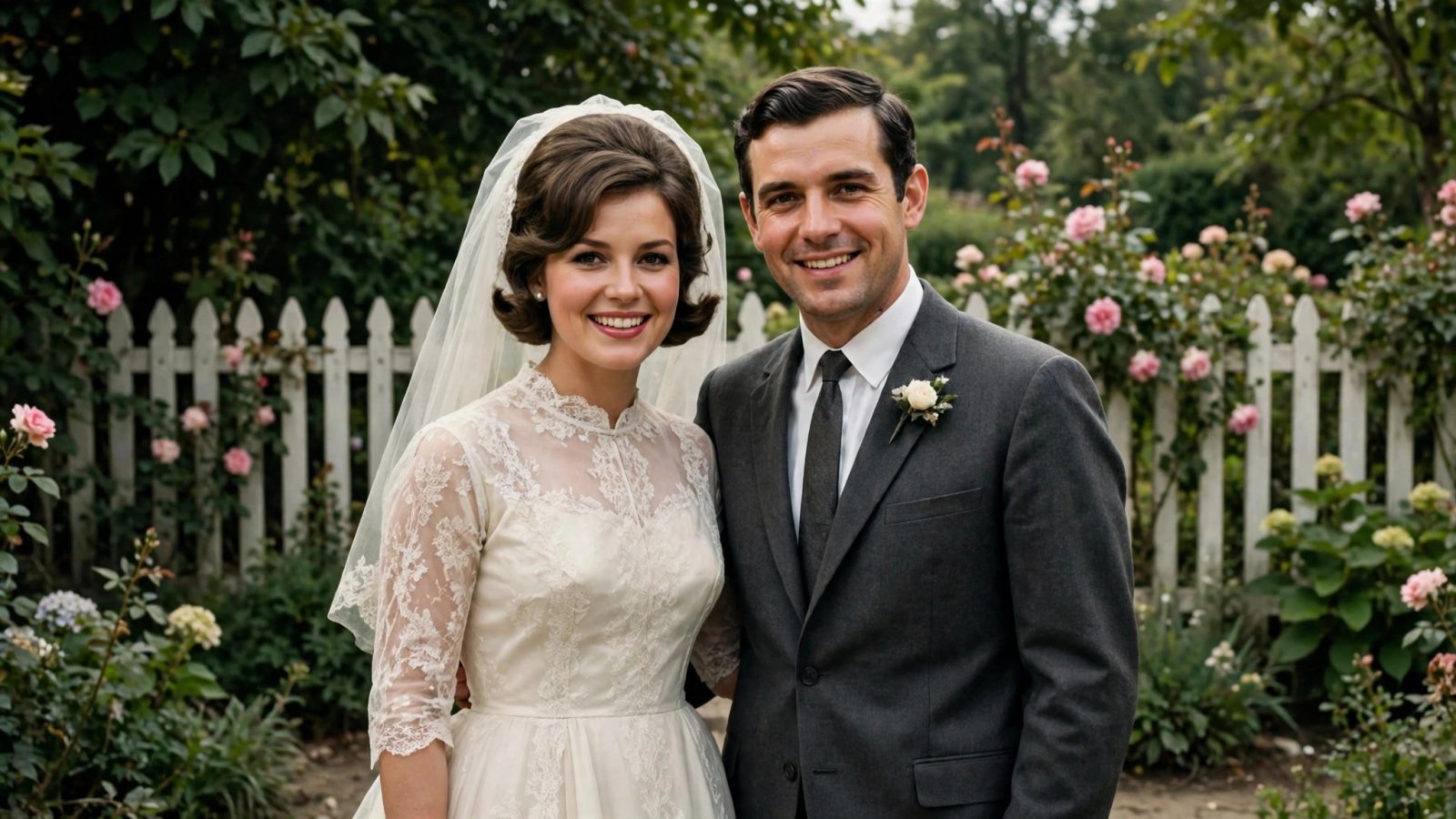
A Grandmother's Wedding Day Recoloured in Soft Spring Light
A photo restoration prompt that brings a faded 1960s wedding portrait back to warm, natural colour and sharp detail.
Customize this prompt
Fill in the fields below — the prompt text updates automatically. [BRACKETED] words are placeholders you replace.
The prompt
[TASK] restore and colourise a faded 1960s wedding portrait, [SUBJECT] a smiling couple in wedding dress and suit standing in a garden, [RESTORATION] remove yellowing, fading and dust spots, repair soft focus, rebuild lost detail in the lace veil and suit lapels, [COLOUR] warm natural skin tones, soft ivory dress, deep green garden foliage, historically accurate 1960s colour palette, [LIGHTING] keep the original soft daylight, gentle shadows, no harsh modern contrast, [DETAILS] keep the couple's faces exactly as photographed, preserve the film grain lightly, keep the garden fence and roses behind them, [OUTPUT] a clean, print-ready portrait that looks like it was shot yesterday, 16:9 crop friendly
How to use it
- Describe the original: a faded 1960s wedding portrait of a couple in a garden.
- List the damage: yellowing, fading, dust spots and soft focus to repair.
- Set the colours: warm skin tones, ivory dress, deep green foliage, period-accurate palette.
- Protect the faces: instruct the model to keep the couple's features unchanged.
- Finish: keep light film grain and request a clean print-ready result.
Customization tips
Swap the wedding portrait for a 1970s family picnic, or change the garden to a church doorway.
Example use case
Use it to restore family wedding photos for anniversaries, genealogy albums, or framed prints.
Frequently asked questions
Which model is best for restoring old photos?
Nano Banana and DALL-E handle restoration well; always instruct the model to keep faces unchanged.
How do I avoid the restored photo looking too modern?
Ask for a period-accurate colour palette and light film grain so the result keeps its 1960s character.
Share
Tags: photo restoration colourise vintage photo wedding portrait 1960s old photo repair family history
Reviewed by the PromptVault editorial team on November 25, 2026.
Source notes: Daily pipeline 20261125 batch 2

