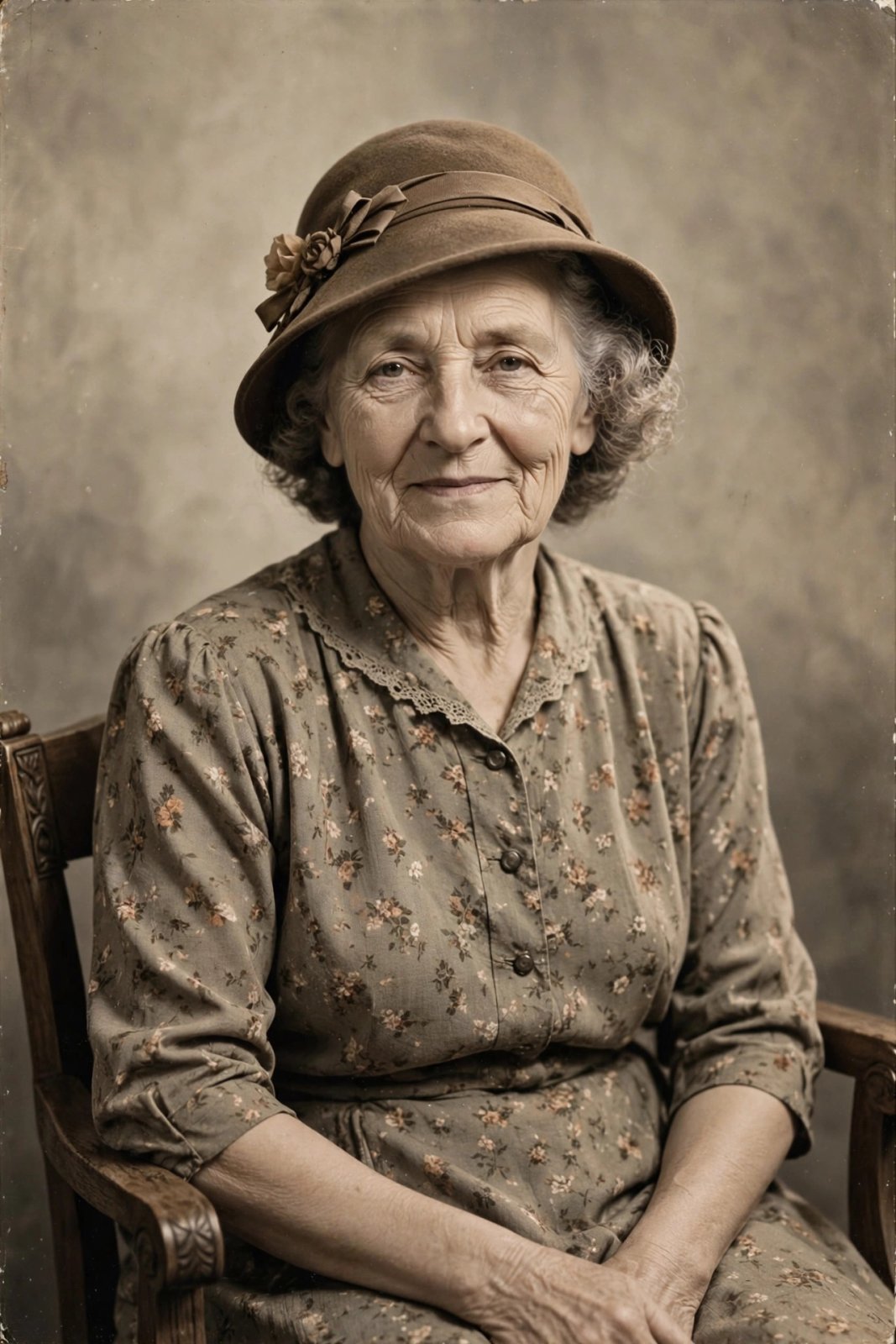
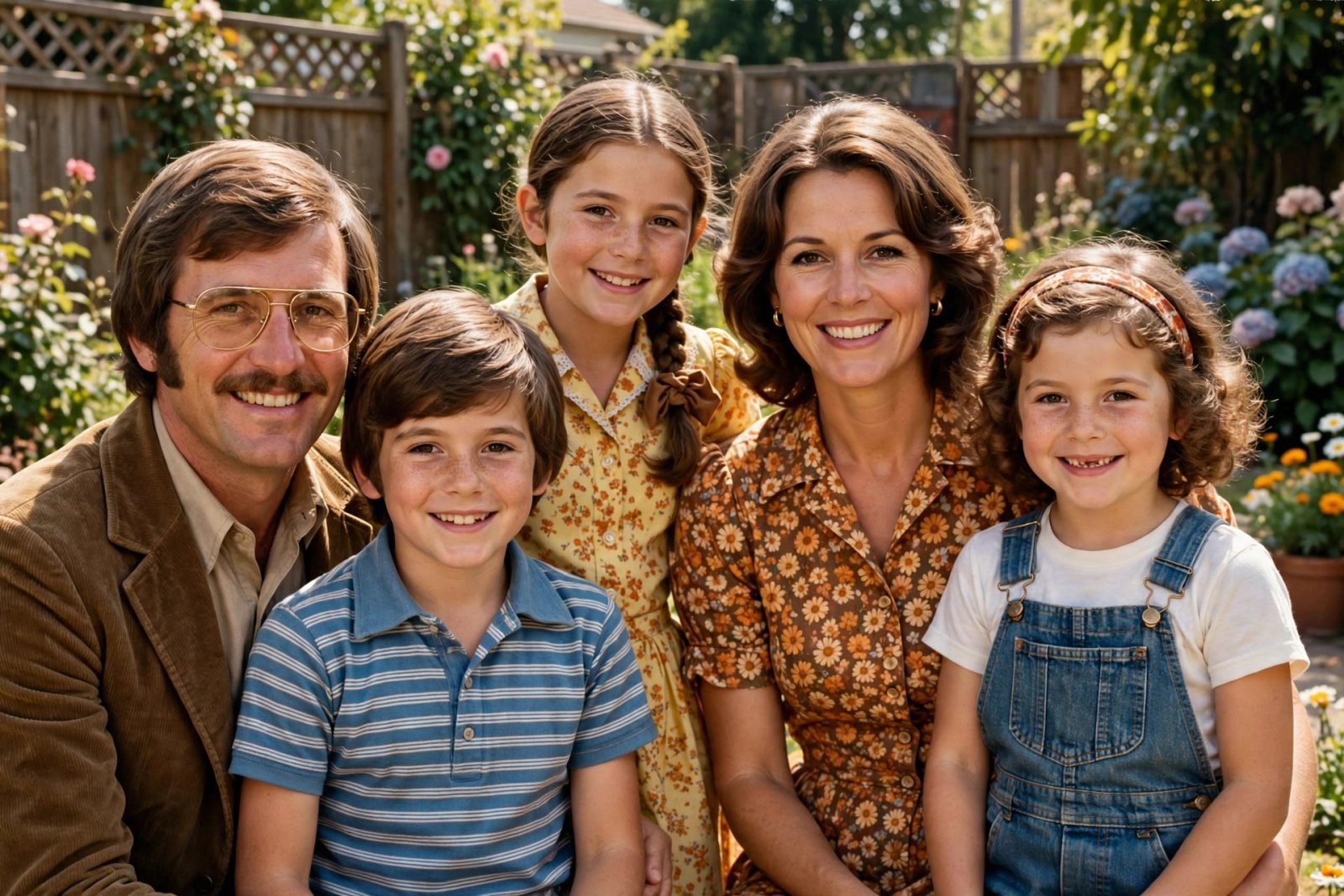
Faded Family Photo Restoration
Restore a faded vintage family photo to vivid life with true colors, sharp detail, and natural skin tones.
Customize this prompt
Fill in the fields below — the prompt text updates automatically. [BRACKETED] words are placeholders you replace.
The prompt
Restore the faded family photograph from [DECADE]. Repair tasks: rebuild washed-out colors to natural [SEASON] tones, recover lost detail in faces and clothing, remove yellowing and fading while keeping authentic film grain, sharpen soft faces without plastic smoothing. Keep every person, pose, and background element exactly as in the original — change nothing about the composition. Output: a clean, vivid, true-to-life restoration that looks like the photo was taken yesterday, preserving the nostalgic feel. Style: professional photo restoration, natural skin tones, balanced contrast, no added elements, no text, no watermark.
How to use it
- Scan the original at 600 DPI or higher for best results.
- Note the [DECADE] and [SEASON] to guide color rebuilding.
- Identify the most faded areas: faces, sky, or clothing.
- Generate the restoration and compare faces side by side.
- Print or frame the restored version for the family.
Customization tips
Adjust the decade and season cues to match your photo's original look.
Example use case
Precious for families preserving memories for the next generation.
Frequently asked questions
Will it change anyone's face?
No, restoration only repairs color and detail — faces and poses stay identical.
What scan quality do I need?
600 DPI minimum; 1200 DPI is ideal for large prints.
Share
Tags: photo restoration vintage photo family repair faded enhance memories
Reviewed by the PromptVault editorial team on October 12, 2026.
Source notes: Daily pipeline 20261012 batch 103