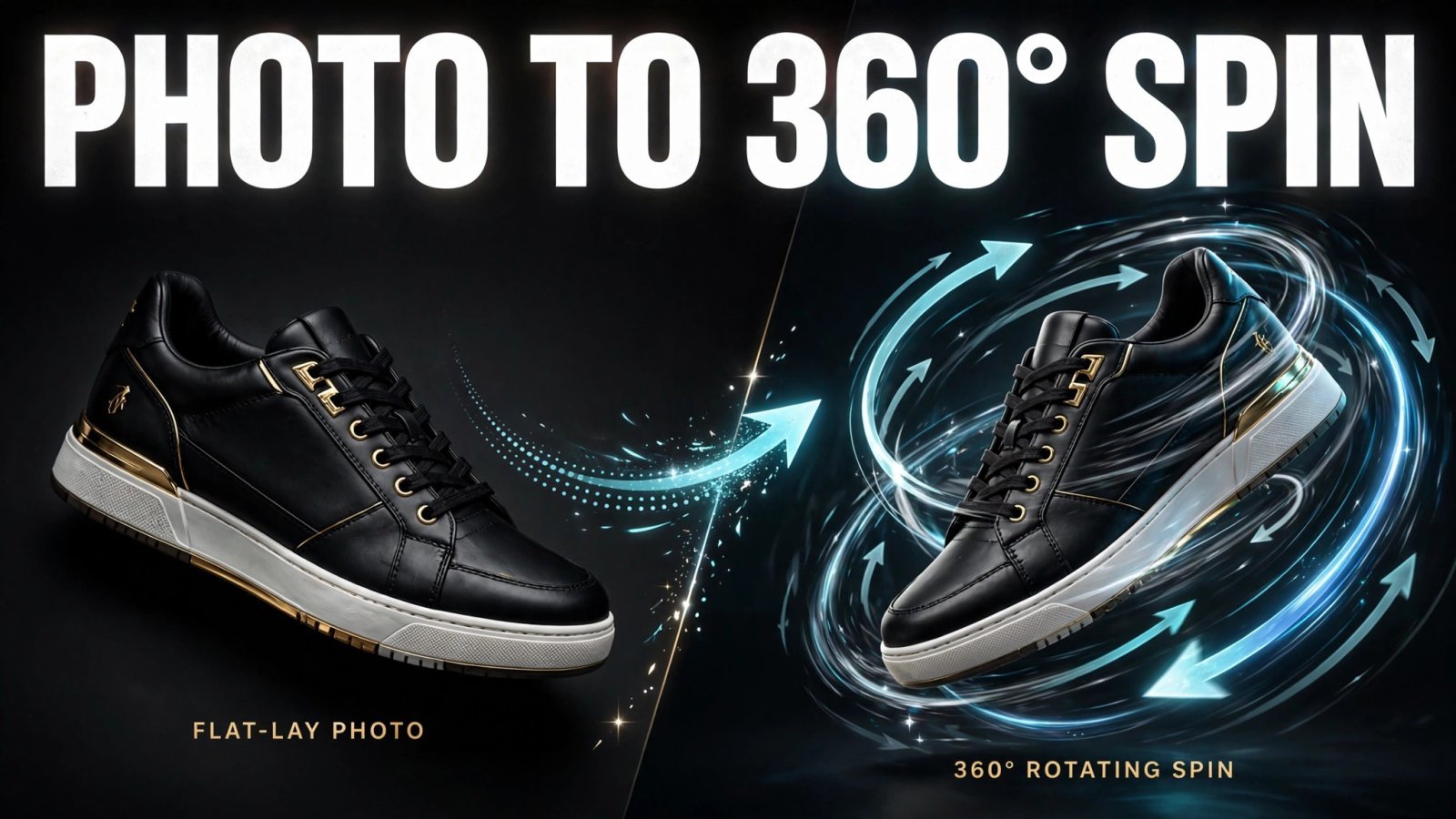
Flat-Lay Photo to 360° Product Spin: an Image-to-Video Recipe
Turn a single flat-lay product photo into a smooth rotating 360-degree commercial clip with motion stages, anchor-frame tricks, and export-ready framing.
Customize this prompt
Fill in the fields below — the prompt text updates automatically. [BRACKETED] words are placeholders you replace.
The prompt
Animate a single flat-lay product photograph into a smooth [DURATION_SECONDS]-second 360-degree rotating commercial for [PRODUCT_NAME]. Start frame: the exact uploaded photo of [PRODUCT_NAME] on [BACKGROUND_STYLE] in [BRAND_COLORS]. Stage 1: gentle lift-off — the product rises slightly and shadows soften, [CAMERA_MOVE] push-in. Stage 2: anchor frame at 90 degrees — [PRODUCT_NAME] turned to the right, same [BACKGROUND_STYLE], same [BRAND_COLORS] lighting, logo legible. Stage 3: anchor frame at 180 degrees — back view showing [BACK_DETAIL]; stage 4: anchor frame at 270 degrees — left side showing [SIDE_DETAIL]. Stage 5: full rotation loop — the product spins at [ROTATION_SPEED] with a soft [LIGHTING_EFFECT] sweep gliding across its surface and [PARTICLE_DETAIL] drifting in the background. Rules: never change the product's shape, logo, color, or proportions; the background and lighting stay identical across every stage; no extra objects or hands appear. Motion style: [MOTION_STYLE], buttery smooth, no jitter. Export-ready framing: [FRAMING], safe margins for captions, final frame holds the hero angle with a subtle glow for [HOLD_SECONDS] seconds so it can loop. Deliver as one continuous clip built from the five stages in order.
How to use it
- Upload a clean flat-lay photo of the product with no overlapping props.
- Generate the lift-off opening from the start frame with a gentle camera push-in.
- Generate the 90°, 180°, and 270° anchor frames, keeping background and lighting identical.
- Generate the full rotation loop with lighting sweep and particle details.
- Stitch the five stages in order and export with a hold on the final hero frame.
Customization tips
Works for any small product: skincare jars, headphones, sneakers, watches. Raise rotation speed for energy, or slow it down and add macro zoom for luxury.
Example use case
Make product commercials, social ad creatives, and store-page hero videos from a single product photo without a 3D shoot.
Frequently asked questions
Which product photos work best as the starting frame?
Pick a flat-lay with clean edges and no hands, bottles, or props overlapping the product. The model needs a clean silhouette to rotate convincingly.
Why does this recipe use anchor frames instead of one rotation prompt?
Anchor frames describe the same product at 90-degree rotations in the same scene; the model interpolates between them, which kills the wobble you get from a single vague 'rotate' instruction.
Share
Tags: image to video product commercial 360 rotation anchor frames ecommerce video kling ai motion design
Reviewed by the PromptVault editorial team on October 11, 2026.
Source notes: Daily pipeline 20261011 batch 5