Bring Your Logo to Life: A 5-Second Brand Ident from a Static Mark
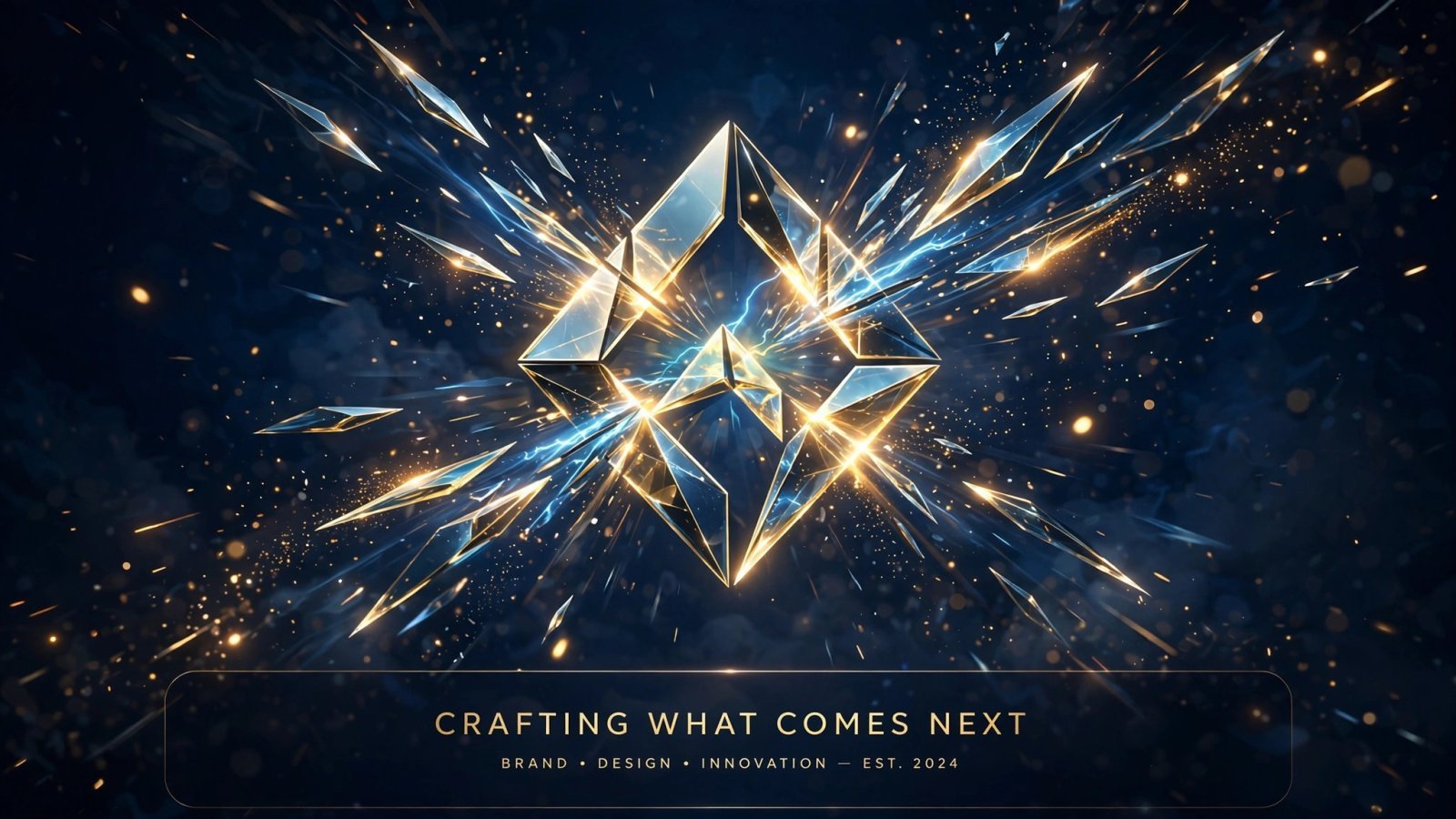
An image-to-video prompt that turns a static logo into a 5-second animated brand ident with particles, an assembly reveal, and a loop-ready hold.
Customize this prompt
Fill in the fields below — the prompt text updates automatically. [BRACKETED] words are placeholders you replace.
The prompt
Transform the uploaded static logo of [BRAND_NAME] into a striking 5-second brand ident. Start: the logo rests centered on a [BACKGROUND_COLOR] background with a soft vignette. Beat 1 (0-1s): particles of light drift in from the edges and gather behind the mark. Beat 2 (1-3s): the logo assembles or ignites: [ASSEMBLY_EFFECT], e.g. geometric shards flying together, an ink stroke drawing the outline, or a molten-metal reveal. Beat 3 (3-4s): the finished mark pulses once with a [GLOW_COLOR] glow as the tagline '[TAGLINE]' fades in beneath it in [FONT_STYLE] type. Beat 4 (4-5s): hold the composed lockup, glow settles, everything eases to a clean end frame identical to the start for perfect looping. Keep the logo's geometry, colors, and proportions EXACTLY as the source image; only lighting, particles, and camera move. Style: [IDENT_STYLE] motion design, 30fps, subtle depth-of-field, professional sound-design-ready beats, no extra text or symbols invented.
How to use it
- Upload the final, approved logo artwork as the source frame.
- Choose an assembly effect that matches the brand's energy.
- Set four timed beats from reveal to loop-ready hold.
- Generate and verify the logo geometry never warps.
- Export and use as video intros, ads, and social bumpers.
Customization tips
Replace the logo with any static brand asset: a product shot, an app icon, a mascot. Adjust the energy from calm luxury to playful startup.
Example use case
Brands and agencies needing a polished animated ident from an existing static logo.
Frequently asked questions
How do I make a 5-second brand ident from a logo image?
Keep the first and last frames near-identical so the ident loops cleanly, and animate the mark itself rather than adding elements that never appeared in the source.
Do all logo styles animate equally well?
Flat vector-style logos animate most cleanly. Photographic or highly detailed marks can smear; simplify the source or request minimal motion for those.
Share
Tags: image to video logo animation brand ident motion design loop video prompt
Reviewed by the PromptVault editorial team on October 23, 2026.
Source notes: Daily pipeline 20261023 batch 5