Logo To Animated Reveal Video
Transform a static logo into a polished animated brand reveal.
Customize this prompt
Fill in the fields below — the prompt text updates automatically. [BRACKETED] words are placeholders you replace.
The prompt
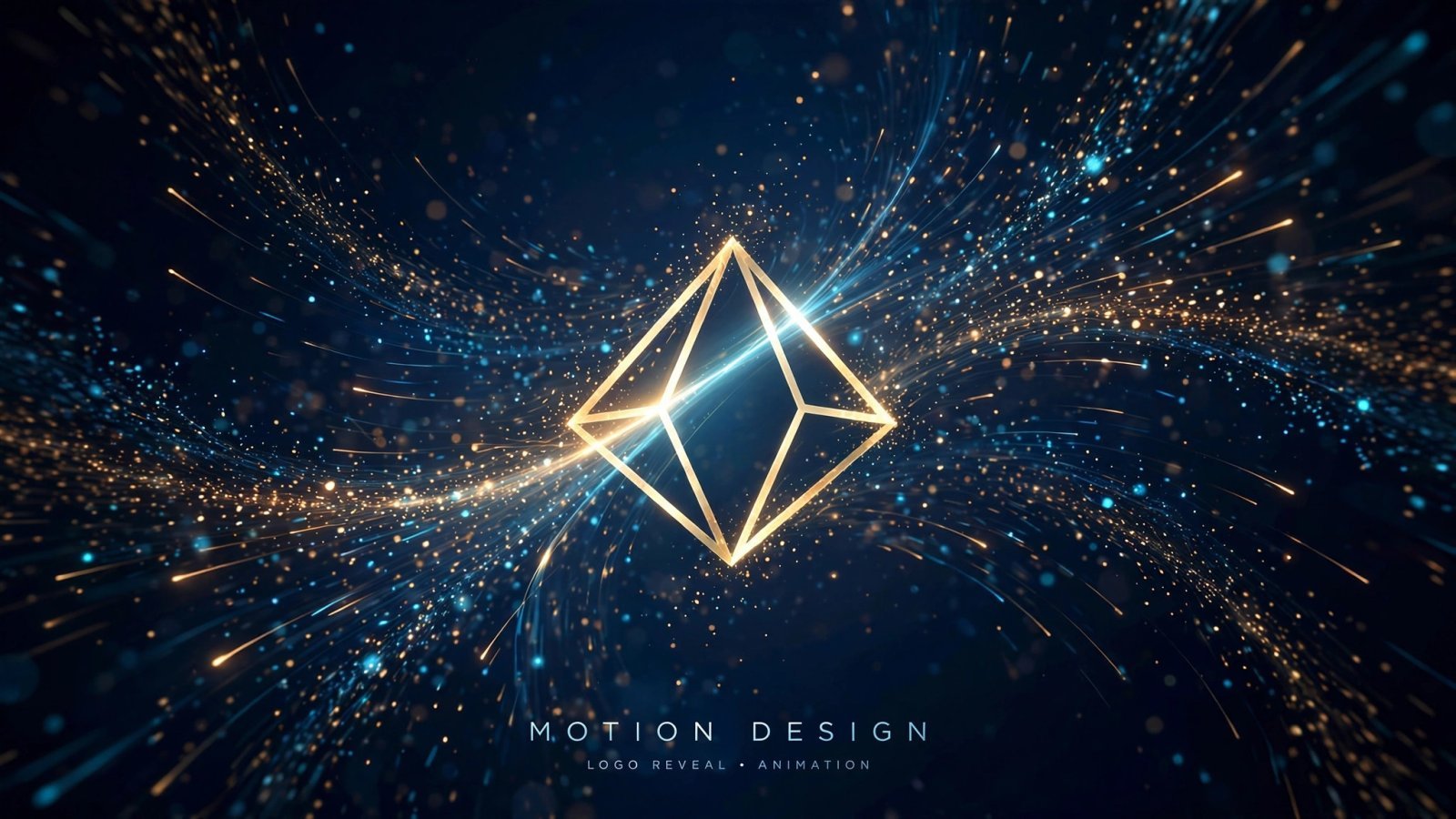
Using the attached logo ([BRAND_NAME], [LOGO_STYLE like minimalist wordmark]) as the final frame, generate a [DURATION]-second reveal: [INTRO_ELEMENT like particles] converge from [DIRECTION], the logo assembles with [ASSEMBLY_STYLE like a clean slide-in of each letter], then [FINISH_EFFECT like a subtle light sweep] passes across it. The logo's exact geometry, [BRAND_COLORS], and typography must be pixel-faithful to the source — no redrawn letters, no color shifts. Background: [BACKGROUND like deep navy gradient]. Camera static. End holding the perfect logo for [HOLD_SECONDS] seconds. Premium motion-design quality, [RESOLUTION].
How to use it
- Attach the logo and describe the reveal choreography.
- Lock logo geometry, colors, and typography.
- Define background and particle/intro elements.
- Set reveal duration and end hold.
- Forbid letter redraws or color shifts.
Customization tips
Swap the logo, colors, and reveal style per brand.
Example use case
Use for video intros, channel branding, or corporate openers.
Frequently asked questions
The logo letters get mangled during animation. Fix?
Animate the logo as a rigid unit (slide, fade, scale) rather than assembling strokes; keep the final hold frame longest.
What backgrounds work best?
Simple gradients or dark solids keep focus on the logo; busy backgrounds invite the model to 'interact' and distort it.
Share
Tags: video prompt image to video logo animation brand reveal motion design
Reviewed by the PromptVault editorial team on October 12, 2026.
Source notes: Daily pipeline 20261012 batch 106