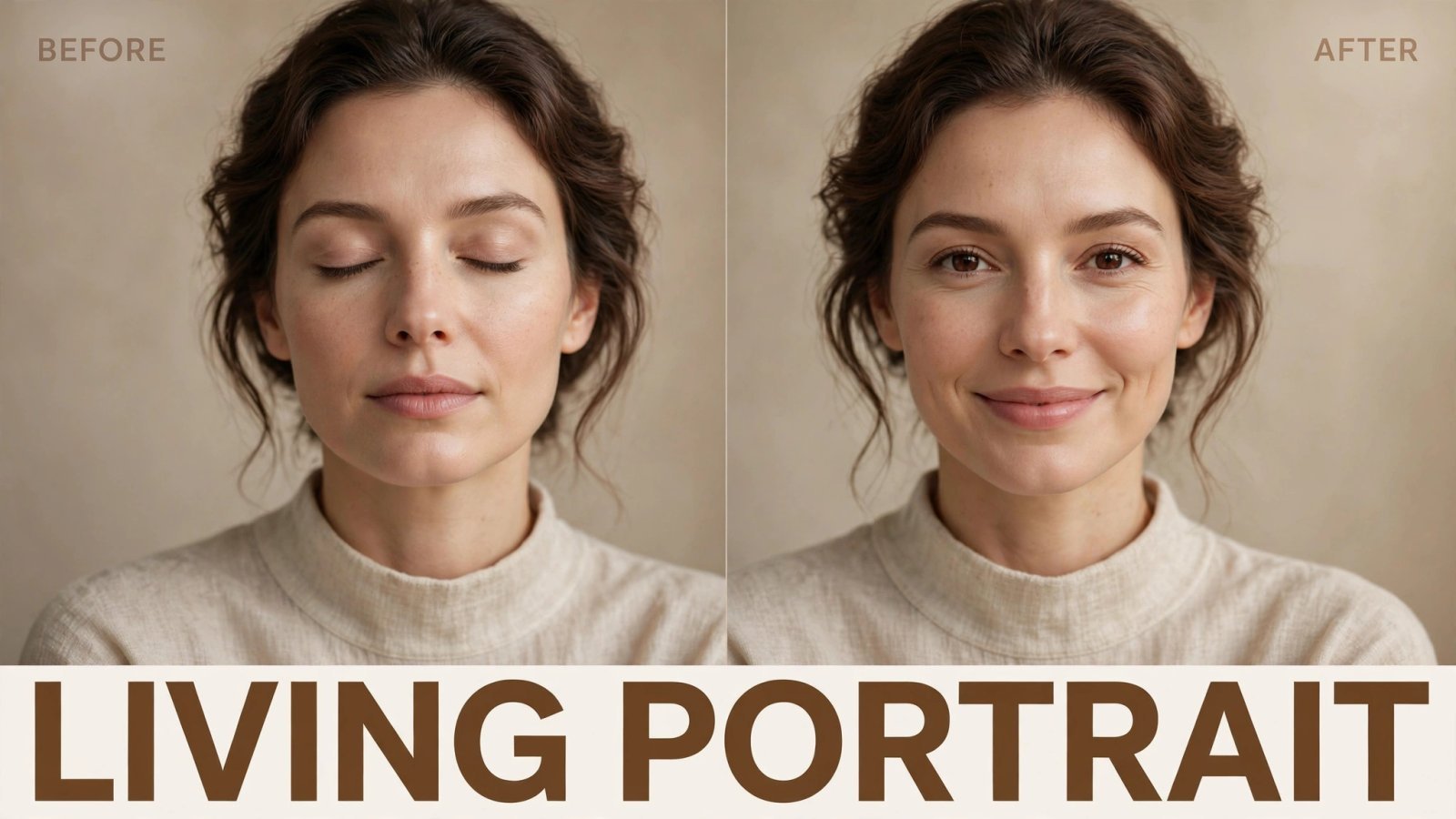
From still photo to living portrait: blink, breathe, turn
Animate a single portrait photo into a lifelike clip: a slow blink, a soft breath and a gentle head turn, nothing else moving.

Customize this prompt
Fill in the fields below — the prompt text updates automatically. [BRACKETED] words are placeholders you replace.
The prompt
Turn a still portrait photograph into a short living-portrait video using image-to-video generation. Start from the uploaded photo of [SUBJECT_DESCRIPTION] in [SETTING_DESCRIPTION]. The subject slowly blinks once, takes one soft visible breath, and turns their head gently toward [TURN_DIRECTION] over [DURATION] seconds, then holds a calm gaze at the camera. Everything else stays frozen: the background, the [CLOTHING_DETAIL], the lighting and the framing do not move at all. Keep the face, skin texture and expression faithful to the original photo, with no added objects and no change to the [HAIR_DETAIL]. Motion must be subtle and natural, with smooth easing at the start and end of the turn. Style: photorealistic, soft [LIGHTING_STYLE] light, shallow depth of field, 24fps, no camera movement, no text, no watermark.
How to use it
- Choose a sharp, well-lit portrait with the subject facing mostly toward the camera.
- Upload the photo as the image reference and paste this prompt with the subject and setting filled in.
- Set motion strength low so only the blink, breath and head turn animate.
- Preview the clip and reject it if the background shifts or the face changes shape.
- Export the best take and trim it to the cleanest blink-to-hold loop.
Customization tips
Change the turn direction, add a faint smile at the end, or slow the motion for a memorial or gallery piece.
Example use case
Photographers and families turning a favourite portrait into a subtle living keepsake or a striking social post.
Frequently asked questions
How do I stop the background moving in a living portrait?
Use low motion strength and name the background as frozen in the prompt; regenerate if anything behind the subject drifts.
Can I use this with an old family photo?
Yes. A sharp, front-facing photo works best; very low-resolution or heavily damaged photos may warp the face.
Share
Tags: image to video living portrait photo animation portrait video subtle motion photorealistic
Reviewed by the PromptVault editorial team on November 17, 2026.
Source notes: Daily pipeline 20261117 batch 5