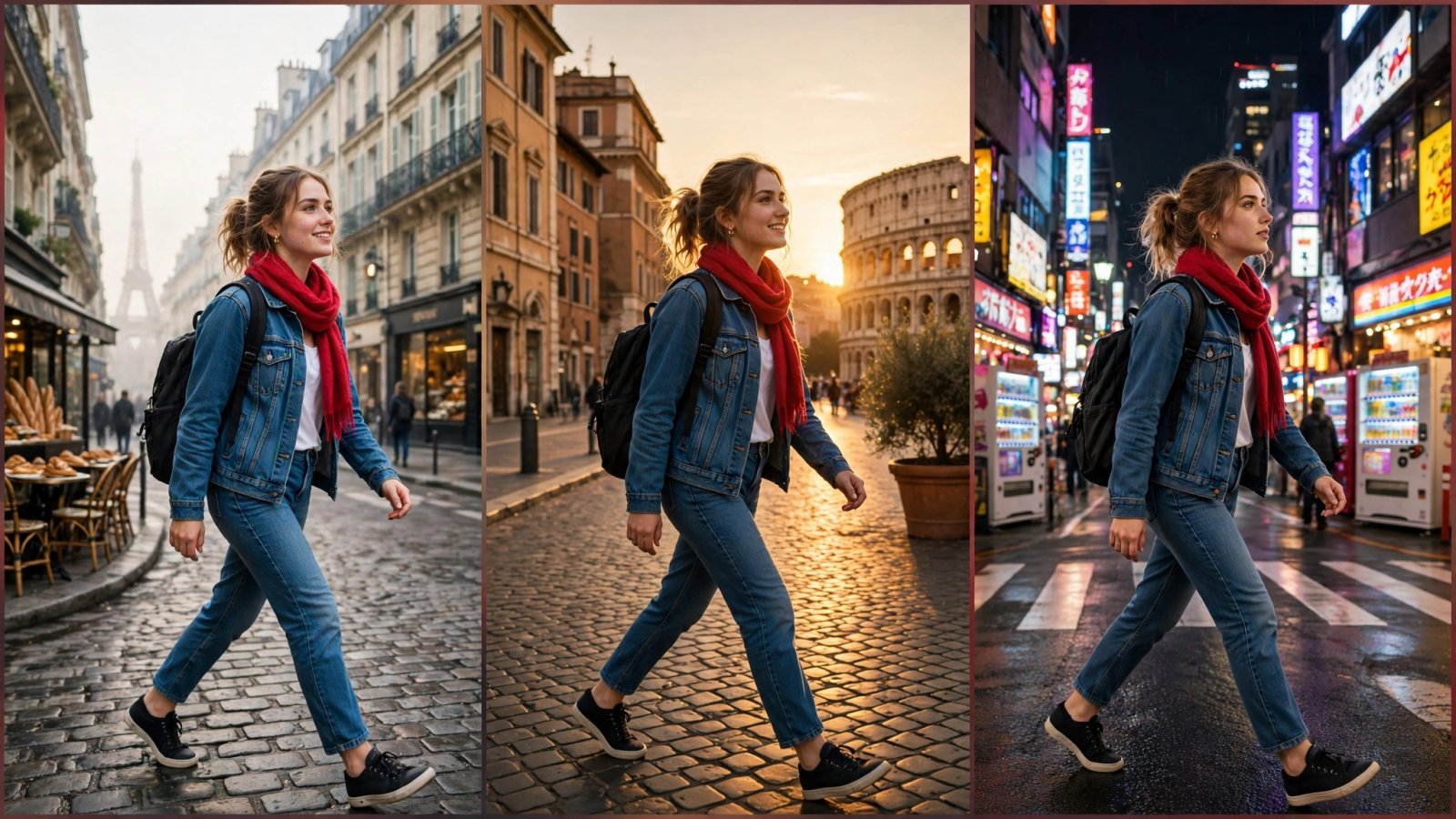
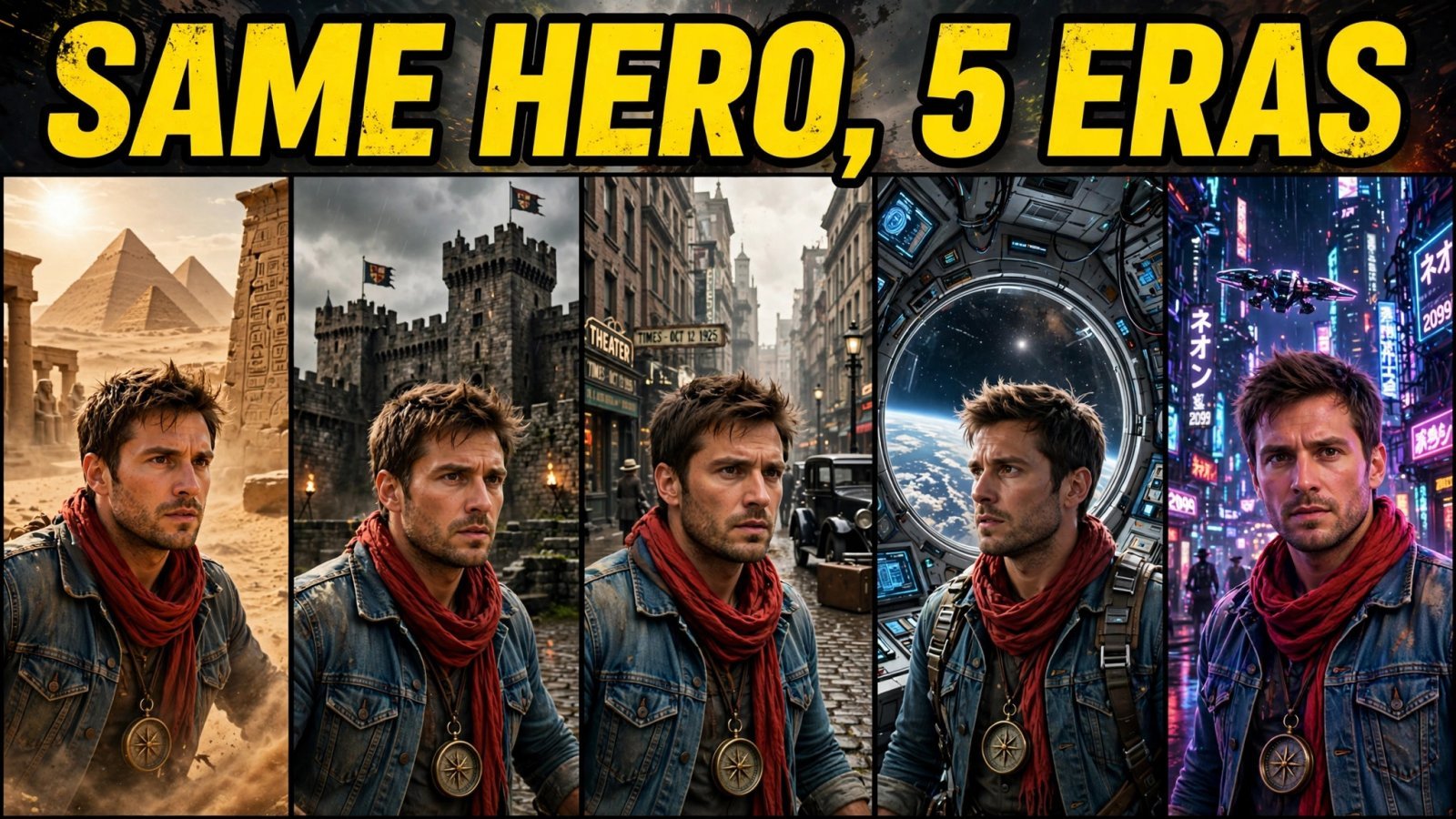
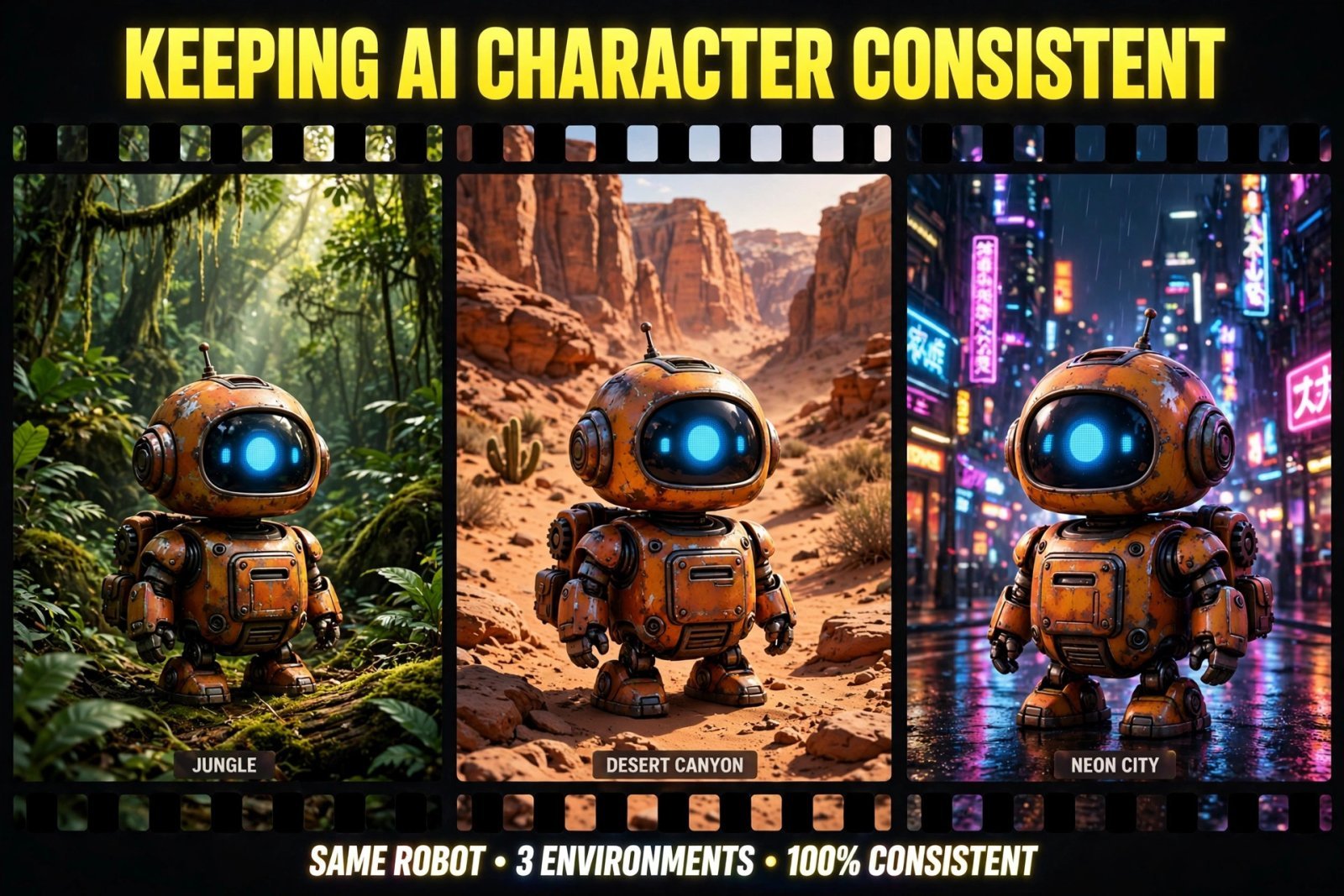
Keep Your Robot Explorer Identical Across 8 Adventure Clips
A continuity system for video models: lock one robot hero's design, then reuse the block across eight adventure scenes.
Customize this prompt
Fill in the fields below — the prompt text updates automatically. [BRACKETED] words are placeholders you replace.
The prompt
Build a character-continuity system for [ROBOT_NAME], a [ROBOT_TYPE] explorer with one unforgettable [SIGNATURE_FEATURE] and a [COLOR_SCHEME] paint scheme with visible weathering. First, write a single 'character block': exact proportions, head shape, eye style, limb details, and wear marks, in under 60 words. Then paste that identical block, word for word, at the start of 8 scene prompts covering [SCENE_1] through [SCENE_8] — different environments each time, from [ENVIRONMENT_STYLE] landscapes to interiors. Append the anchor phrase 'same robot explorer, identical design, same [SIGNATURE_FEATURE]' to every shot. Regenerate any scene where the character drifts until all 8 frames read as one continuous hero.
How to use it
- Write the locked character block: proportions, [COLOR_SCHEME], [SIGNATURE_FEATURE], weathering marks.
- Plan [SCENE_1] through [SCENE_8] with varied [ENVIRONMENT_STYLE] settings.
- Paste the character block verbatim at the start of each scene prompt.
- Append the anchor phrase about identical design to every shot.
- Compare frames side by side; regenerate any scene that drifts off-model.
Customization tips
Swap [ROBOT_NAME] and [SIGNATURE_FEATURE] for any creature or human character — the continuity block technique works for mascots, pets, and cartoon heroes too.
Example use case
Perfect for series, shorts, and ad campaigns where the same character must appear in multiple shots without drifting.
Frequently asked questions
How do I keep the character description identical across clips?
Describe the character once in a locked 'character block' (proportions, colors, markings), then paste that exact block verbatim at the start of every scene prompt. Changing even one adjective can shift the design.
What if the first clip looks off-model?
Generate the first scene and study it, then adjust the block once (for example, sharpen the silhouette wording). Re-run all scenes with the final block so they share one design.
Share
Tags: character consistency video ai robot character continuity runway kling multi-shot
Reviewed by the PromptVault editorial team on October 10, 2026.
Source notes: Daily pipeline 20261010 batch 5