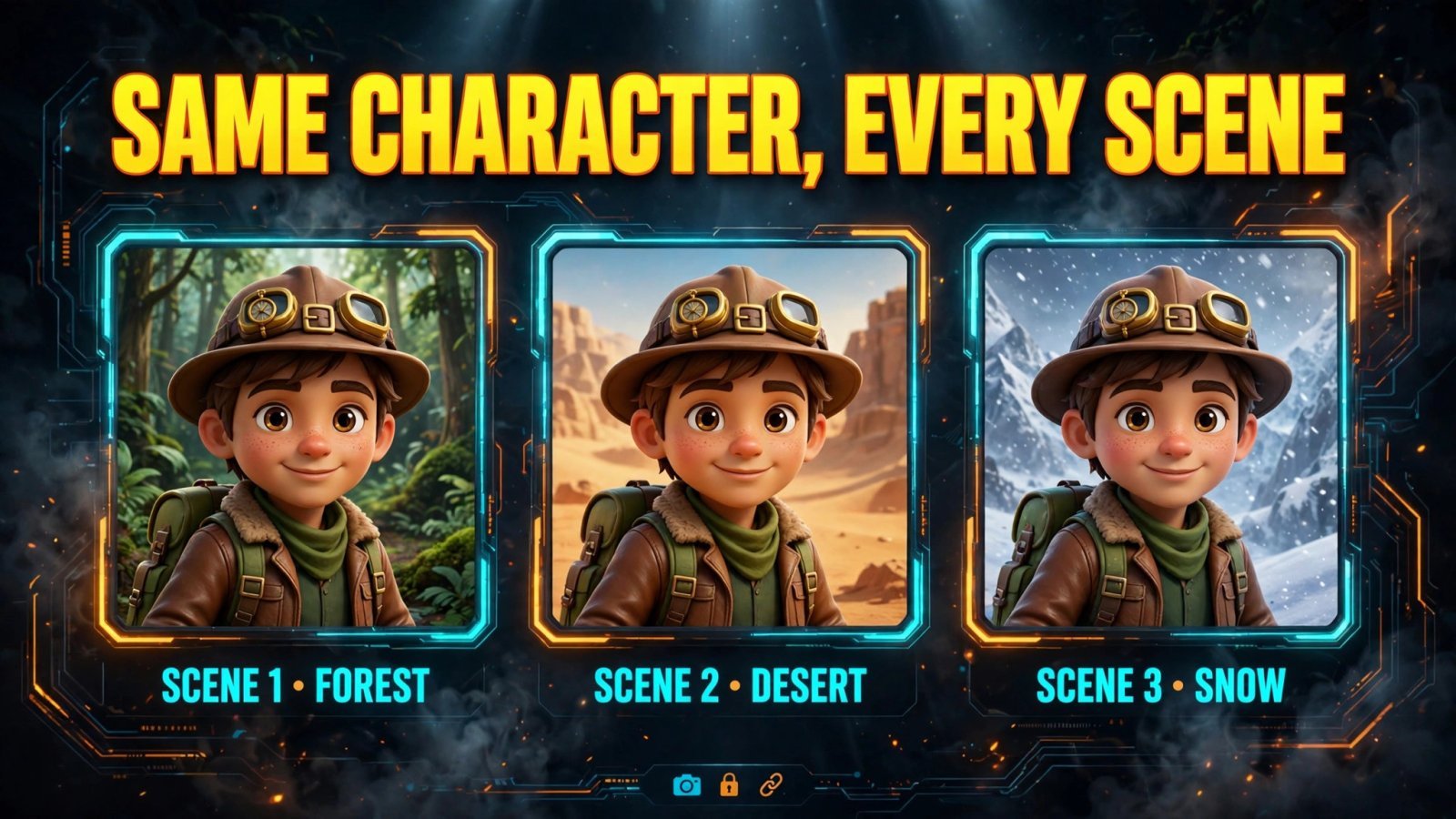
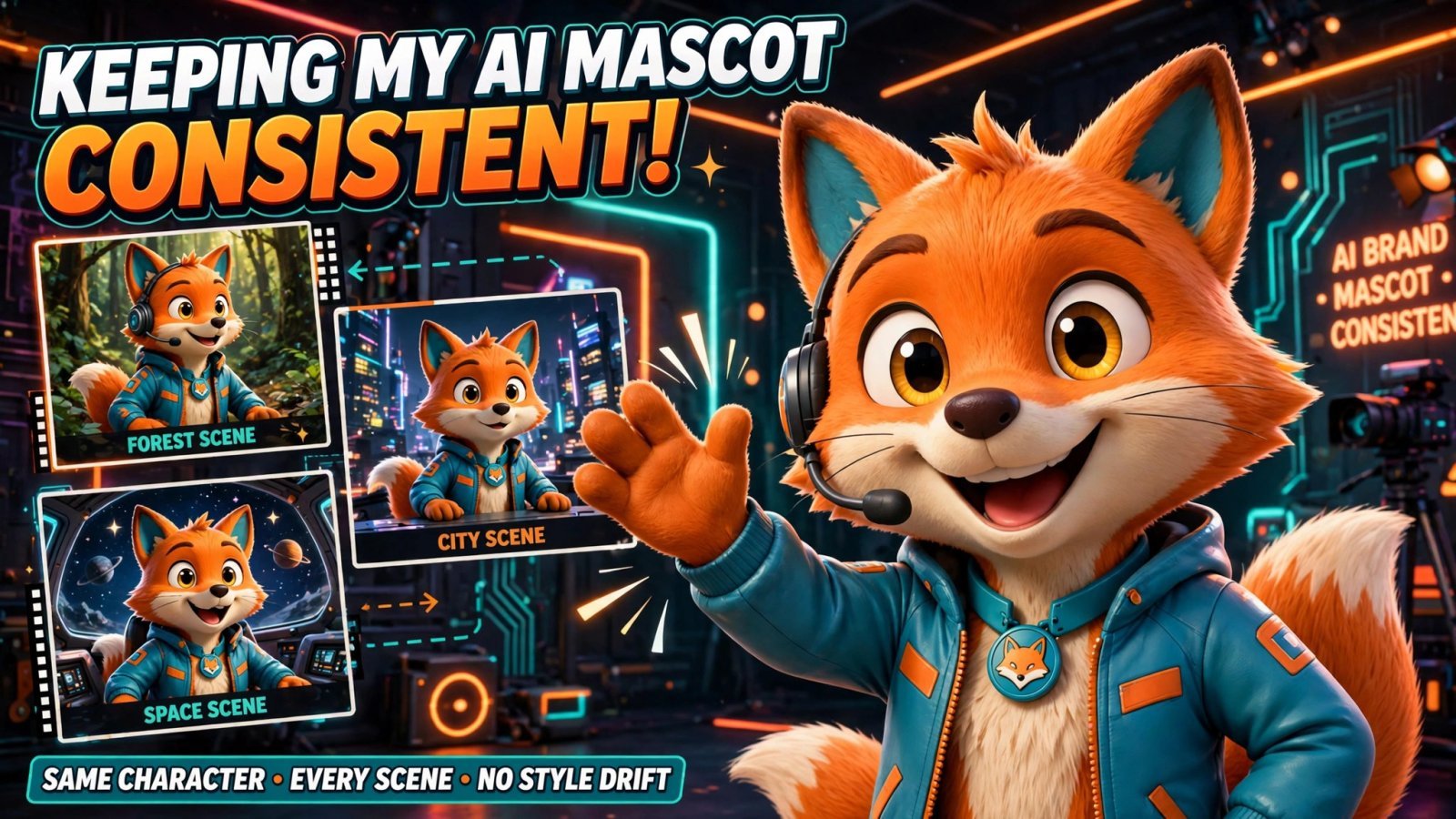
One Time-Traveler, Five Eras: Keep a Hero Identical Across History
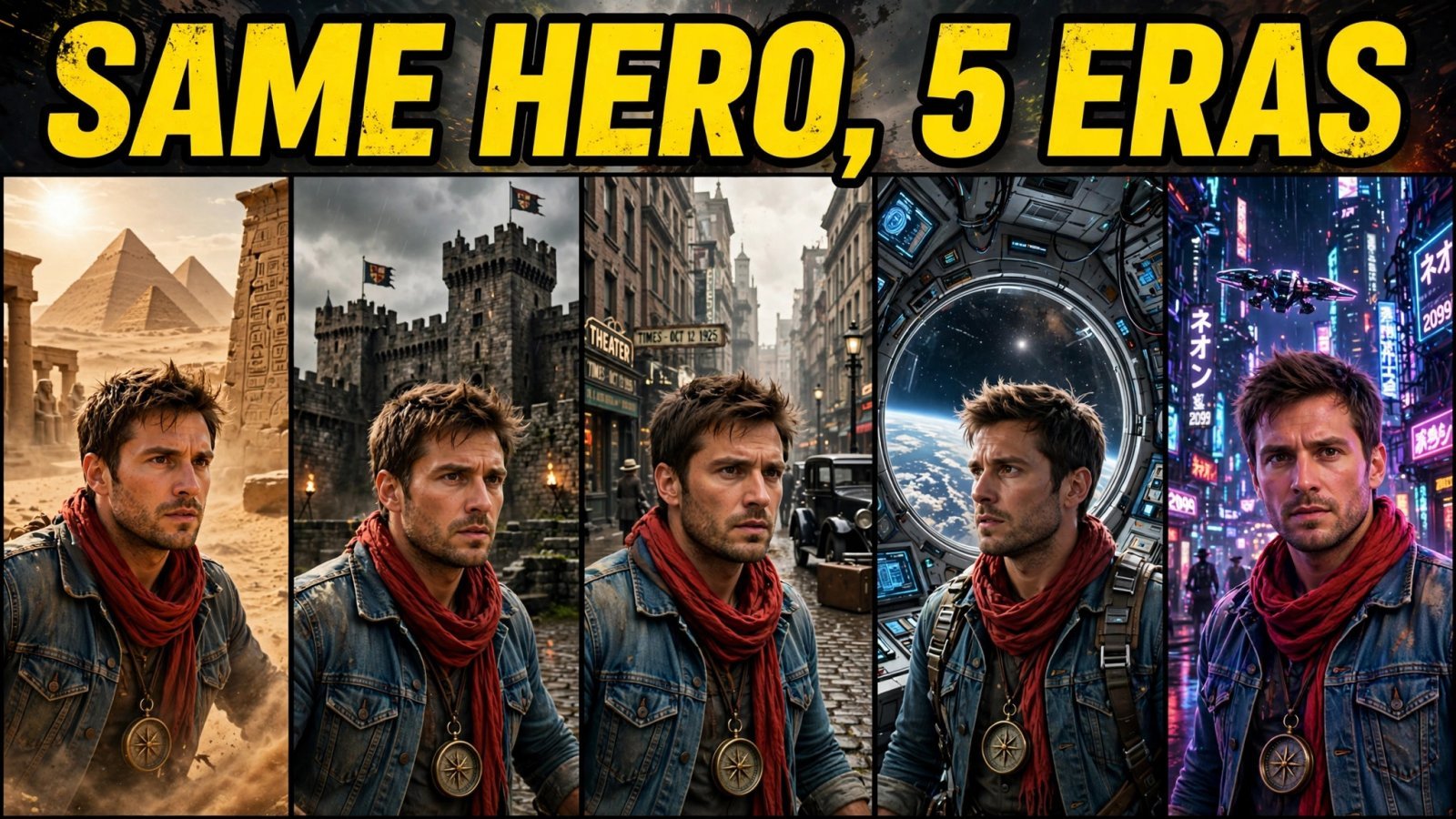
A repeatable recipe for generating a single traveler character and placing them unchanged into five historical eras with a consistent face, outfit, and style.
Customize this prompt
Fill in the fields below — the prompt text updates automatically. [BRACKETED] words are placeholders you replace.
The prompt
You are directing a 5-clip time-travel short film. The hero, [HERO_NAME], must look EXACTLY the same in every clip: same face, same [SIGNATURE_OUTFIT], same [SIGNATURE_PROP], same hairstyle and build. First, create a locked character reference: a full-body front view of [HERO_NAME], neutral standing pose, plain studio background, wearing [SIGNATURE_OUTFIT] with [SIGNATURE_PROP], [ART_STYLE] rendering, consistent proportions. Then generate each era clip from that reference: clip 1, [ERA_1] with [ERA_1_BACKGROUND], [LIGHTING_1]; clip 2, [ERA_2] with [ERA_2_BACKGROUND], [LIGHTING_2]; clip 3, [ERA_3] with [ERA_3_BACKGROUND], [LIGHTING_3]; clip 4, [ERA_4] with [ERA_4_BACKGROUND], [LIGHTING_4]; clip 5, [ERA_5] with [ERA_5_BACKGROUND], [LIGHTING_5]. Each clip: [DURATION_SECONDS] seconds, [CAMERA_MOVE] camera move, the hero walks toward camera and looks around in wonder. Copy this character block into every clip prompt word-for-word: '[HERO_NAME], [AGE]-year-old, [HAIR_DESCRIPTION], [FACE_DESCRIPTION], wearing [SIGNATURE_OUTFIT] with [SIGNATURE_PROP]'. Lock the random seed to [SEED_NUMBER] for all five clips. Keep the [ART_STYLE] uniform: matching color grade, matching film grain, matching lens. End each clip with the hero stepping into a glowing time portal that bridges to the next era. Output order: character reference first, then the five clips in sequence.
How to use it
- Generate the locked character reference (front view, neutral pose) and approve the face and outfit.
- Write the reusable character block describing face, hair, outfit, and prop in one fixed sentence.
- Generate era clip 1 reusing the character block plus era-specific background and lighting tokens.
- Repeat for eras 2-5 with the seed locked, changing only era, lighting, and background.
- Assemble the five clips in order, keeping the same color grade and the portal transition between eras.
Customization tips
Swap the hero's era list, signature props, and outfit to fit any character: a food vlogger across decades, a mascot across seasons, or a product across launch phases.
Example use case
Create multi-scene character videos, brand mascot campaigns, or episodic shorts where the hero must be recognizable in every shot.
Frequently asked questions
How do I keep the character identical across all five eras?
First generate a single clean character reference: front view, neutral pose, plain background. Lock the face and outfit there, then reuse that exact reference image as the starting frame for every era clip.
My hero keeps changing faces between clips. What do I lock?
Fix the seed and reuse the same character-reference description block verbatim in every scene prompt. Change only the era, lighting, and background tokens so the model has nothing else to vary.
Share
Tags: time travel character consistency video generation kling ai historical scenes reference image seed control
Reviewed by the PromptVault editorial team on October 11, 2026.
Source notes: Daily pipeline 20261011 batch 5