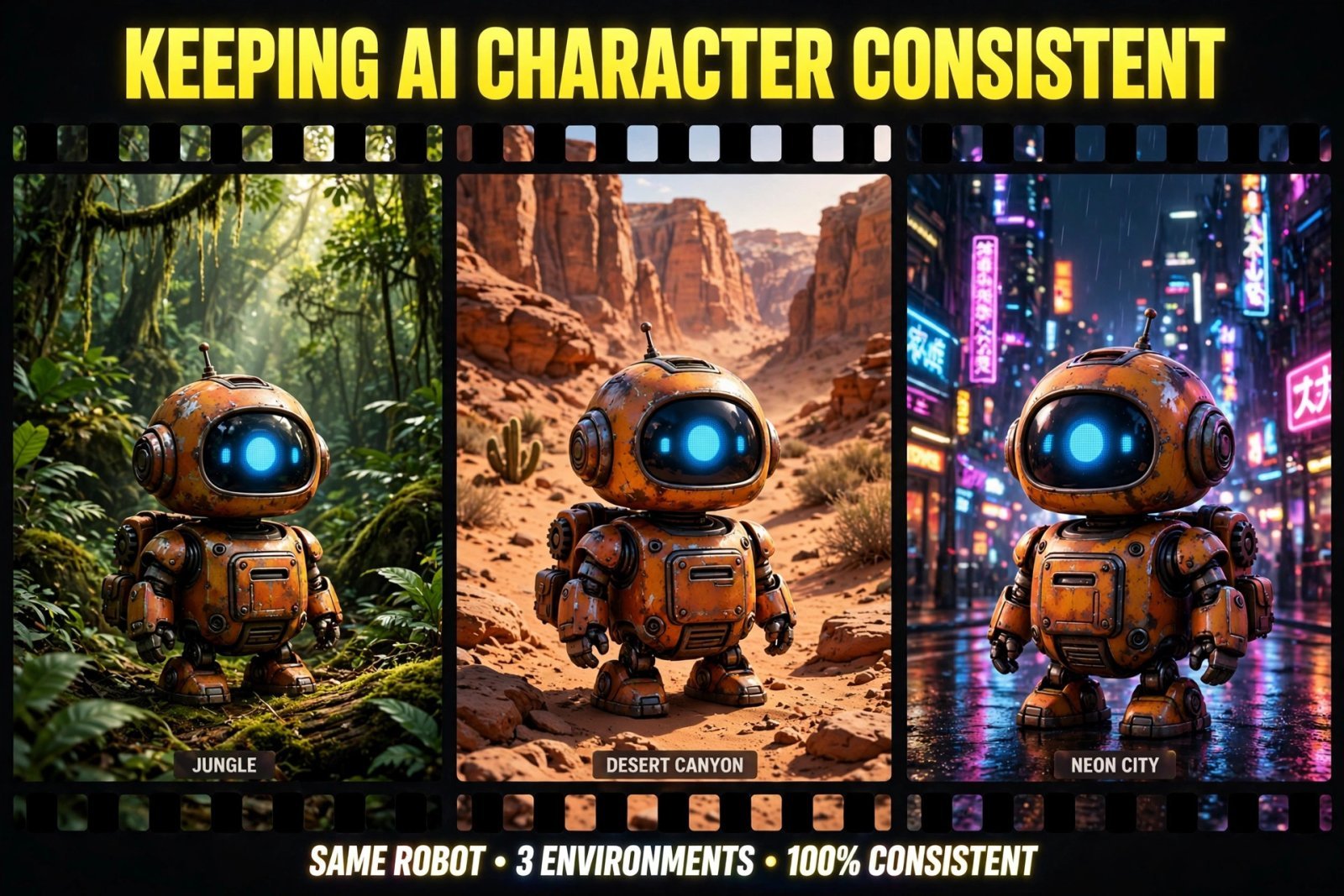
Consistent AI Travel Host: Same Face Every Episode
A repeatable workflow for AI travel creators: build one character reference sheet for your host, then keep their face, hair and signature outfit identical across every weekly episode.

Customize this prompt
Fill in the fields below — the prompt text updates automatically. [BRACKETED] words are placeholders you replace.
The prompt
Create a consistent on-camera host for a weekly AI-generated travel video series about [TRAVEL_THEME]. STEP ONE — the reference: generate a detailed character reference sheet for a host named [HOST_NAME], age [AGE], with [HAIR_DESCRIPTION] hair and [EYE_COLOR] eyes, wearing their signature outfit: [SIGNATURE_OUTFIT]. Show the character from the front, three-quarter view, and side view, neutral expression, even studio lighting, plain [BACKGROUND_COLOR] background. STEP TWO — the episodes: use that reference sheet as the character/face reference in [VIDEO_MODEL] with reference strength [REFERENCE_STRENGTH] (0.7 to 0.9). Generate each [EPISODE_LENGTH]-minute episode scene with this scene prompt: "[HOST_NAME], exactly matching the reference sheet — same face, same [HAIR_DESCRIPTION] hair, same [SIGNATURE_OUTFIT] — standing at [EPISODE_LOCATION], speaking warmly to camera, [LIGHTING_STYLE] lighting, [CAMERA_FRAMING] framing, subtle natural movement, cinematic realism." Keep [BRAND_COLOR] lower-third titles and the same [VOICE_STYLE] voiceover across every episode so the series feels like one show, not ten unrelated clips.
How to use it
- Define [HOST_NAME]'s age, hair, eyes and one signature outfit that never changes.
- Generate the character reference sheet (front, three-quarter, side views) on a plain background.
- Import the sheet into your video tool as the character/face reference with strength 0.7-0.9.
- Generate each episode scene with the fixed scene prompt, naming the host and outfit explicitly.
- Compare each clip against the reference sheet and regenerate any scene where the likeness drifts.
- Apply the same lower-third design, brand color and voiceover to every episode for series cohesion.
Customization tips
Swap [TRAVEL_THEME] to match any niche (food tours, hidden hotels, street markets), adjust [AGE] and [SIGNATURE_OUTFIT] for a different persona, or change [EPISODE_LENGTH] for shorts instead of full episodes.
Example use case
Creators publishing a weekly AI-hosted travel series who need their on-camera host to be recognizably the same person in every episode.
Frequently asked questions
How do I actually feed the reference sheet into a video model?
Generate the reference sheet first as a still image (a character sheet with front, three-quarter and back views works best). Most video tools accept an image as a face-ID or character reference; set the reference strength between 0.7 and 0.9 so the face survives motion without looking pasted on.
My host still drifts slightly between episodes. What helps most?
A fixed signature outfit is the biggest help — viewers accept small face drift far more than wardrobe drift. Also keep lighting style and camera framing consistent, and re-run scenes that lose the likeness rather than stacking small errors across a series.
Share
Tags: video generation character consistency AI host travel vlog reference sheet weekly series branding
Reviewed by the PromptVault editorial team on October 21, 2026.
Source notes: Daily pipeline 20261021 batch 5