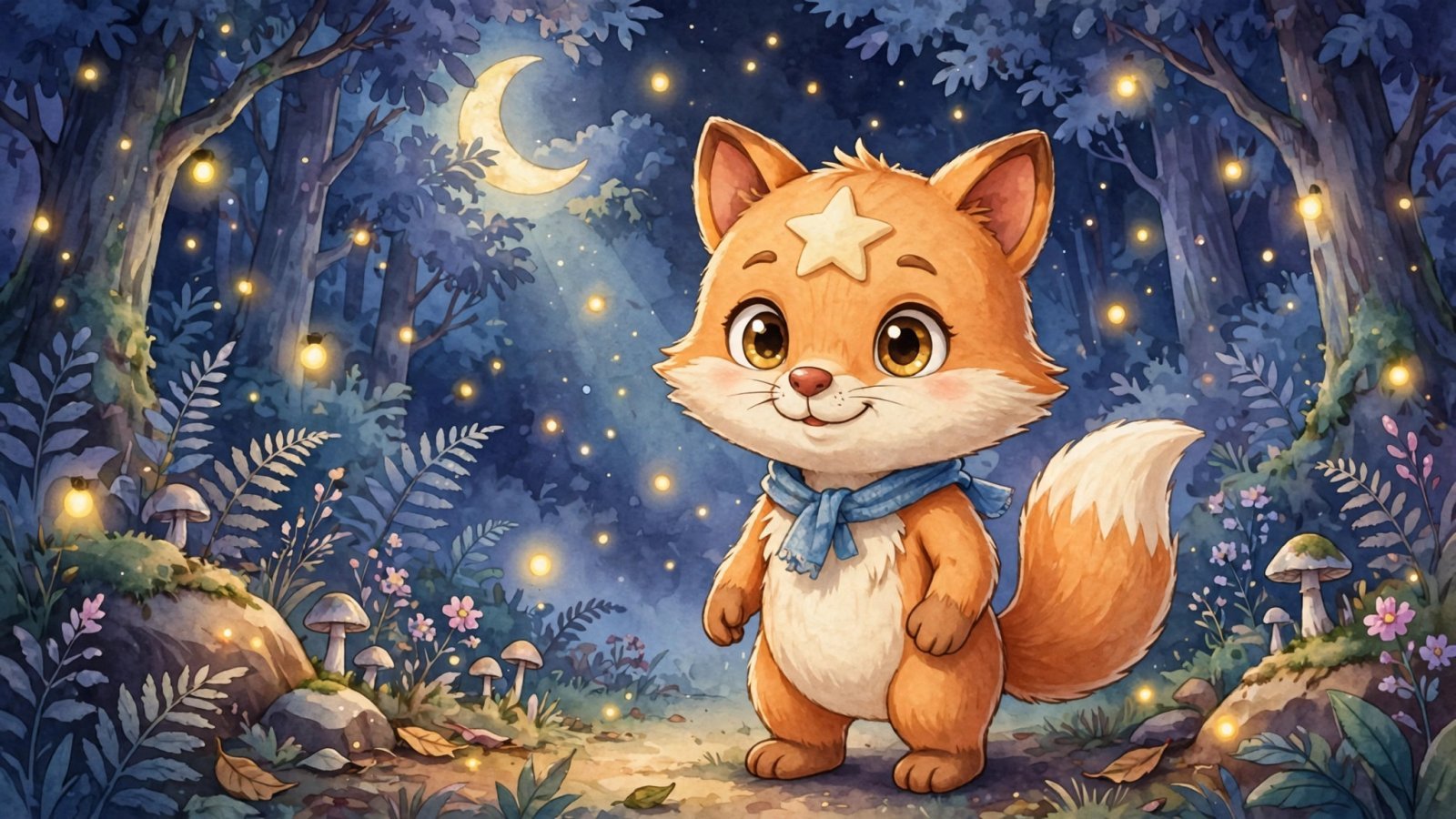
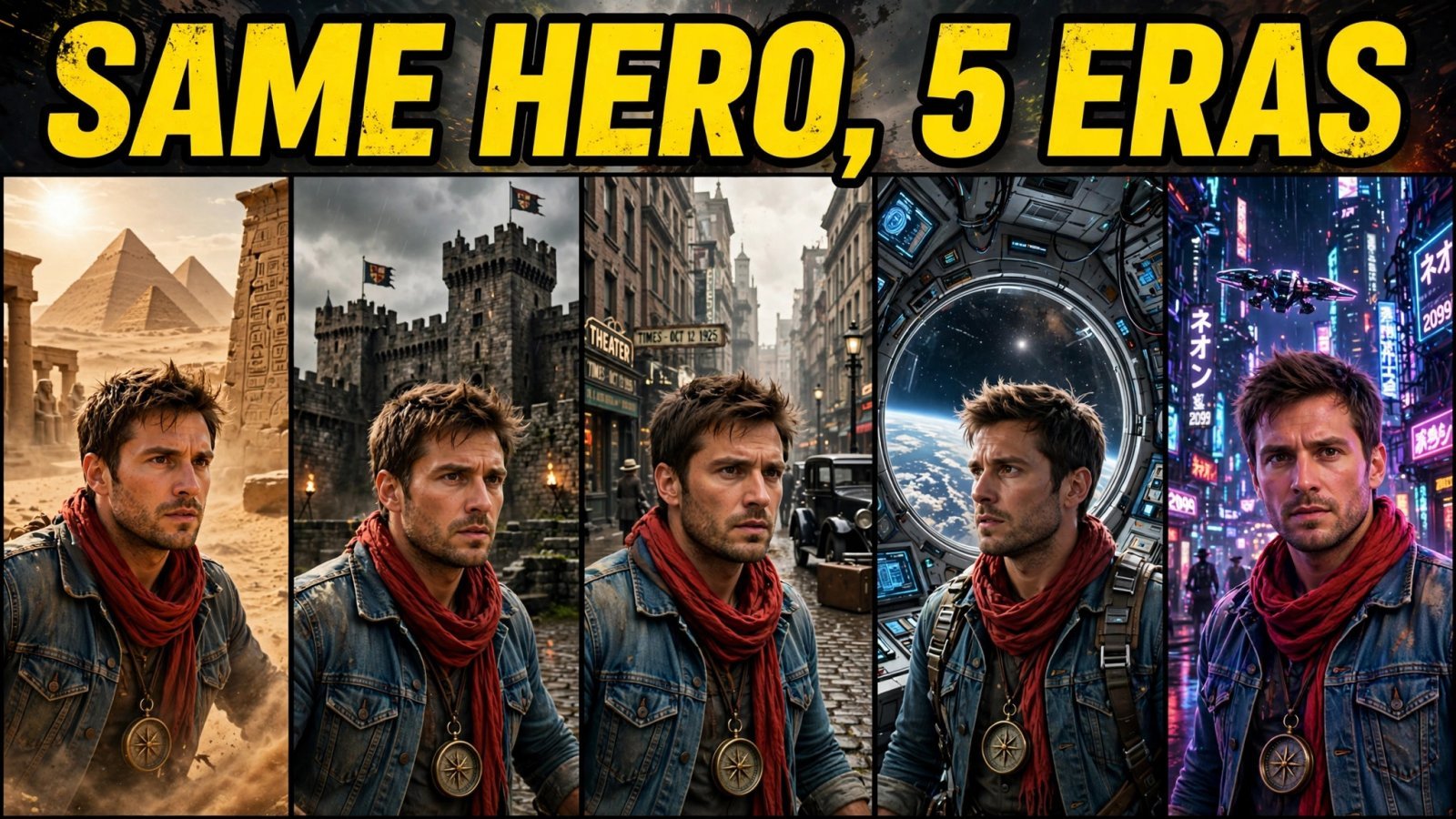
Brand Mascot with the Same Face in Every Demo Clip
A mascot-bible workflow for brands: freeze your mascot's design with a reference sheet, then generate product demo videos where only the product and setting change.
Customize this prompt
Fill in the fields below — the prompt text updates automatically. [BRACKETED] words are placeholders you replace.
The prompt
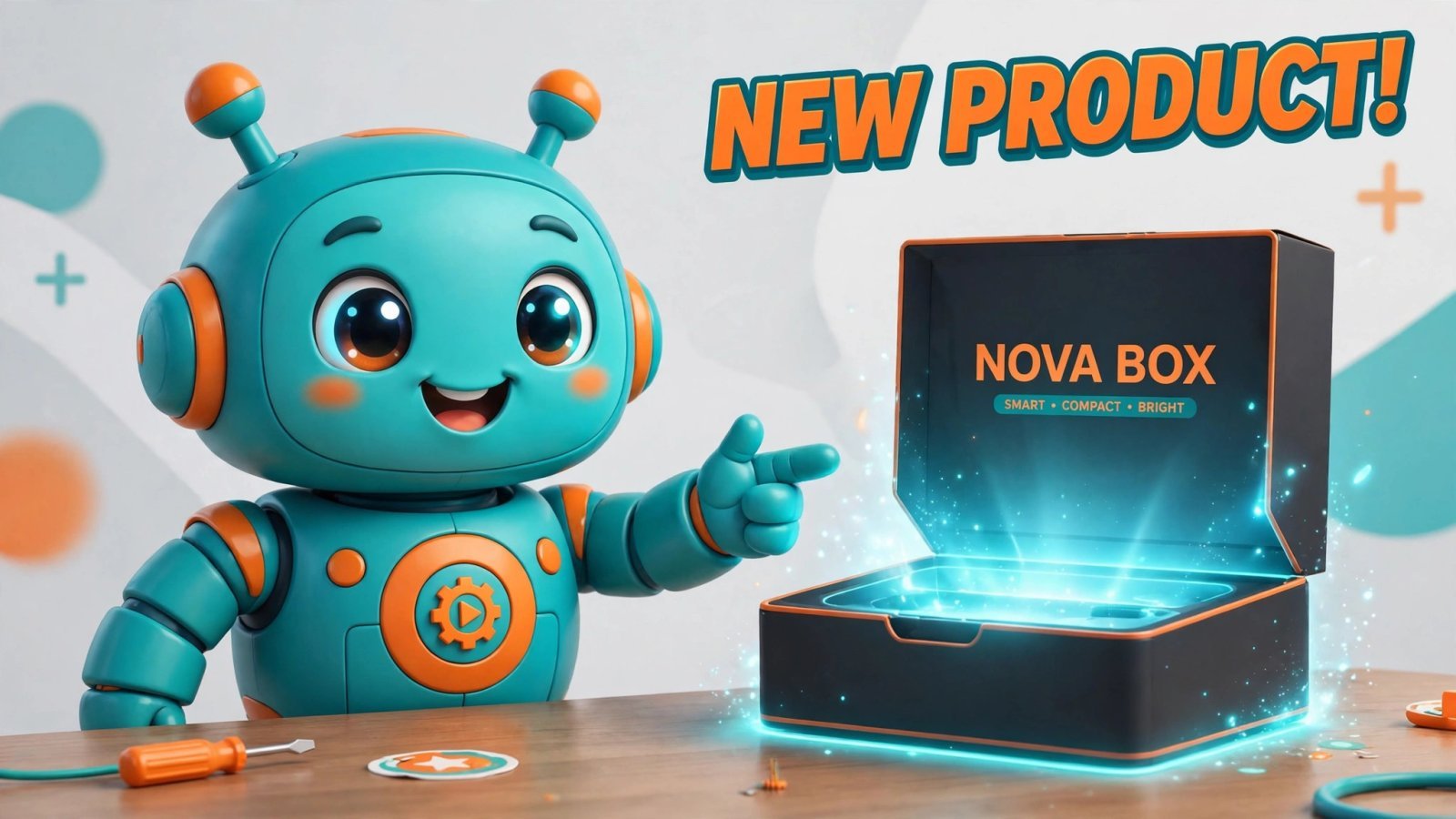
Create a consistent brand mascot for a series of AI-generated product demo videos. The mascot is [MASCOT_FORM] (e.g. a friendly rounded robot, a cheerful fox, a living coffee cup), built from [MATERIAL_STYLE] materials in the brand palette [COLOR_PALETTE], with [MASCOT_FACE] facial features and proportions [PROPORTION_NOTES]. FIRST, generate a mascot reference sheet: neutral standing pose, front view, three-quarter view, side view, plus a waving pose, on a plain [BACKGROUND_COLOR] background, studio lighting. THEN generate demo clips in [VIDEO_MODEL] using the sheet as the character reference (strength 0.75+). Each clip prompt follows this pattern: "[MASCOT_NAME], exactly matching the reference sheet — [MASCOT_FORM] in [COLOR_PALETTE], [MASCOT_FACE] — demonstrating [PRODUCT_TYPE] on a [ROOM_SETTING] table, picks up the product and gestures toward [PRODUCT_FEATURE], warm commercial lighting, smooth product-ad motion, [BRAND_VOICE] tone." The mascot, its colors and its personality stay frozen; only [PRODUCT_TYPE], [ROOM_SETTING] and the featured [PRODUCT_FEATURE] change per clip.
How to use it
- Design the mascot: form, materials, brand colors, face, and proportions — and write them down as the mascot bible.
- Generate the reference sheet with four poses on a plain background.
- Load the sheet as the character reference in your video tool with strength 0.75 or higher.
- Generate each demo clip with the fixed mascot description plus the variable product, room and feature.
- Spot-check mascot colors and proportions against the sheet before shipping each clip.
Customization tips
Adapt [MASCOT_FORM] to any creature or object, change [PRODUCT_TYPE] per campaign, and swap [BRAND_VOICE] to match seasonal messaging while the mascot itself stays fixed.
Example use case
Brands and agencies producing batches of AI product demo videos that need the same recognizable mascot in every single clip.
Frequently asked questions
How do I keep the mascot consistent across future campaigns too?
Keep the reference sheet, lock [MASCOT_FORM] and [COLOR_PALETTE] forever, and write a one-page mascot bible (proportions, materials, forbidden changes). Future campaigns then only vary the product and the room.
What reference strength works best for a stylized mascot?
Usually 0.75 or higher. If the mascot looks like a sticker pasted onto the scene, lower it slightly and add environment descriptors like matching shadows and reflections so it sits naturally in the shot.
Share
Tags: video generation character consistency brand mascot product demo commercial reference sheet
Reviewed by the PromptVault editorial team on October 21, 2026.
Source notes: Daily pipeline 20261021 batch 5