Kinetic Typography Animation: Spoken-Word Poem in Motion
Turn any spoken-word recording into a kinetic typography animation where words assemble, collide, and dissolve in perfect sync with the voice, like a living poster.
Customize this prompt
Fill in the fields below — the prompt text updates automatically. [BRACKETED] words are placeholders you replace.
The prompt
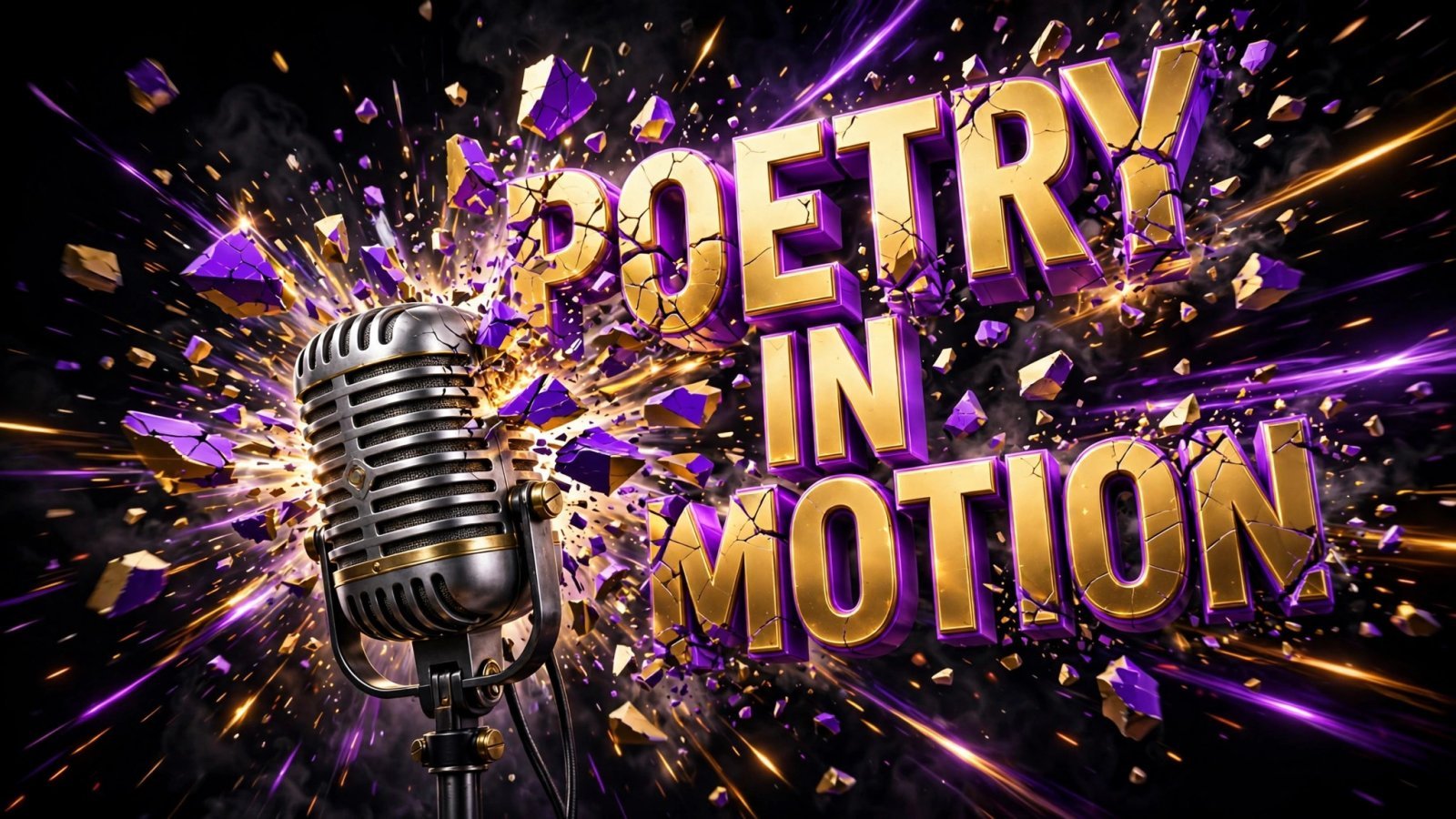
Create a kinetic typography animation for a spoken-word performance. Display the words of [POEM_TEXT] as large, expressive typography on a [BACKGROUND_STYLE] background, timed to a voiceover delivered in a [VOICE_TONE] tone. Words should fly in on emphasized syllables, shatter or dissolve on emotional peaks, and stack into bold compositions during the chorus. Use a [COLOR_PALETTE] color palette with high-contrast type, [TRANSITION_STYLE] transitions between phrases, and subtle camera pushes that follow the rhythm. Add floating letterforms, punctuation marks that drift like debris, and a final frame where the poem's title locks up as a clean poster card. Keep the whole animation [DURATION_SECONDS] seconds long, lip-synced in feel even though no face appears on screen.
How to use it
- Paste your poem text into [POEM_TEXT] and record or select the spoken-word audio
- Choose a [VOICE_TONE] delivery style and [COLOR_PALETTE] palette that match the poem's mood
- Generate the animation with [TRANSITION_STYLE] transitions on the loudest lines first, then fill in the quiet passages
- Re-time any word that lands off the beat by regenerating just that segment
- Export and add the audio track underneath for the final synced cut
Customization tips
Swap the poem for a song lyric, manifesto, or wedding vow to reuse the same kinetic treatment for completely different content.
Example use case
Poets, musicians, and creators turning spoken-word recordings into shareable animated videos for social media.
Frequently asked questions
How do I keep the words synced with the audio?
Mark the emphasized syllables in [POEM_TEXT] with brackets so the model times word entrances to those beats, then layer your real recording under the rendered video.
What background works best?
A plain or subtly textured background keeps attention on the type. Use [BACKGROUND_STYLE] values like 'deep black' or 'paper grain' for maximum legibility.
Share
Tags: kinetic typography spoken word text animation motion graphics poetry video ai animation
Reviewed by the PromptVault editorial team on October 12, 2026.
Source notes: Daily pipeline 20261012 batch 4