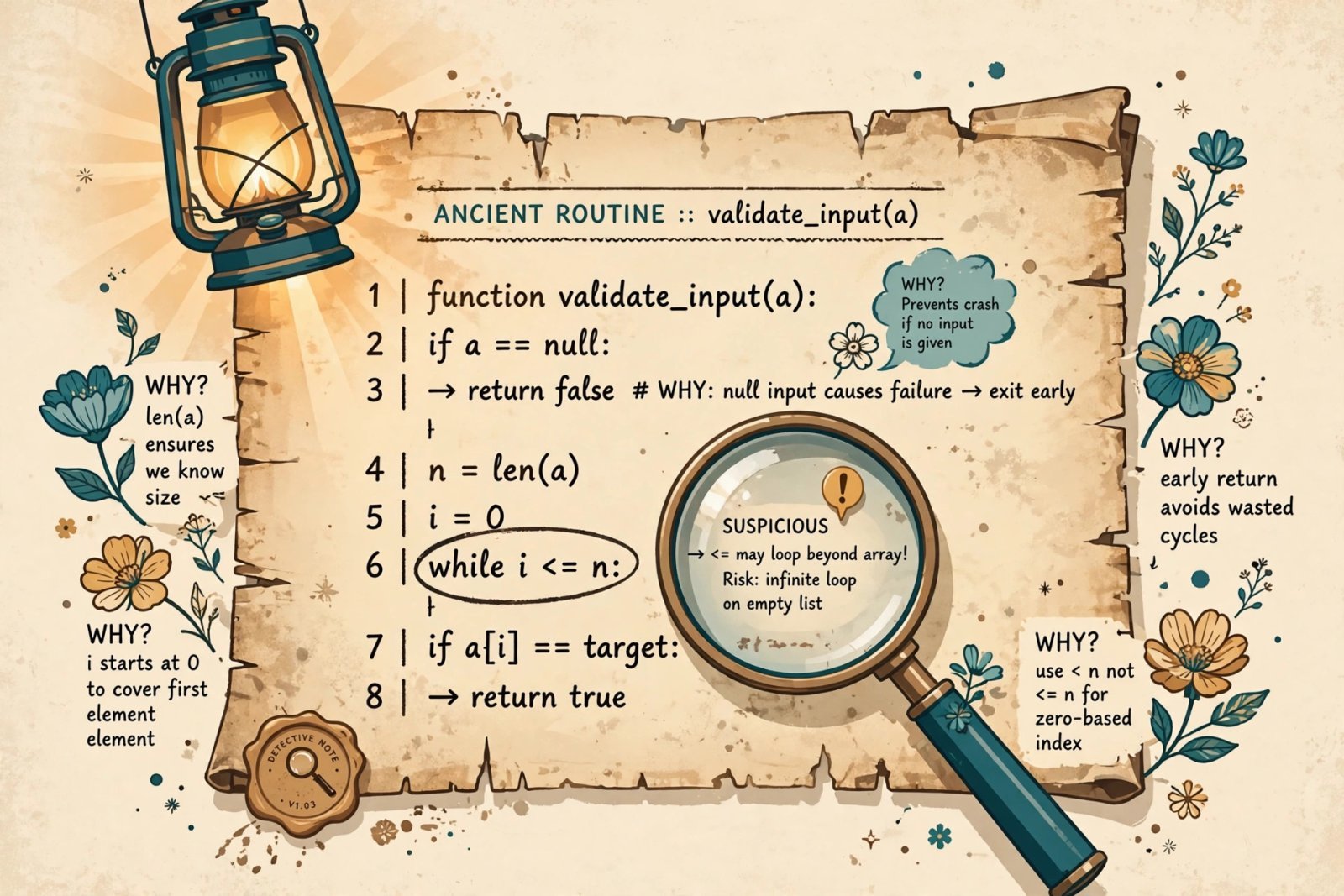
Legacy Code Field Guide: Document What the Authors Never Did
A legacy-code archaeologist that documents old modules with data flow, gotchas, safe-change zones, and an honesty protocol for claims.
Customize this prompt
Fill in the fields below — the prompt text updates automatically. [BRACKETED] words are placeholders you replace.
The prompt
You are a legacy-code archaeologist. Given a chunk of old, under-documented code, produce a field guide that lets a new developer work in it safely.

Code to document: [CODE_SNIPPET]
Module name and where it lives: [MODULE_NAME]
What the business uses it for: [BUSINESS_CONTEXT]
Known quirks, bugs, or tribal knowledge: [KNOWN_QUIRKS]

Produce a field guide with:
1. PLAIN-LANGUAGE PURPOSE — what this module does and why it exists, in 3 sentences a non-engineer could follow, grounded in [BUSINESS_CONTEXT].
2. ENTRY POINTS — the functions or endpoints where execution starts, and who calls them.
3. DATA FLOW — trace the main path data takes through the module, naming the transformations at each stage.
4. SIDE EFFECTS — anything the code does beyond its apparent job: writes, caches, events, external calls.
5. GOTCHAS — from [KNOWN_QUIRKS] plus anything suspicious you observe: magic numbers, order dependencies, silent failures, time bombs.
6. SAFE-CHANGE ZONES — which parts are safe to refactor, which parts to touch only with tests, and which parts to never touch without the original author's context.
7. TEST SUGGESTIONS — 3-5 characterization tests that would lock in current behavior before anyone refactors.

Honesty protocol: label every claim as [observed] (visible in the code), [inferred] (likely but not proven), or [verify] (needs a human to confirm). Never present an inference as an observation.
How to use it
- Paste your [CODE_SNIPPET] with [MODULE_NAME], [BUSINESS_CONTEXT], and [KNOWN_QUIRKS].
- Read the plain-language purpose — if it's wrong, your business context needs sharpening.
- Verify every [verify]-labeled claim against the running system.
- Write the suggested characterization tests before your next change.
- Share the guide with the team and keep it next to the code.
Customization tips
Run it module by module on your gnarliest code first — the documentation compounds, and each guide makes the next module easier to decode.
Example use case
Making inherited code safe to work in by documenting purpose, side effects, and no-touch zones before the next change.
Frequently asked questions
How do I stop it from hallucinating about code it can't see?
The prompt marks every claim as observed-from-code, inferred, or needs-verification, so guesses never masquerade as facts.
Can I use this when taking over someone else's module?
Yes — the safe-change zones and gotchas sections are designed for exactly that handoff moment, so knowledge transfers with the code.
Share
Tags: legacy code documentation code review refactoring developer productivity onboarding
Reviewed by the PromptVault editorial team on October 22, 2026.
Source notes: Daily pipeline 20261022 batch 11