Mend a Ripped 1980s Bridal Portrait and Rebuild the Corner
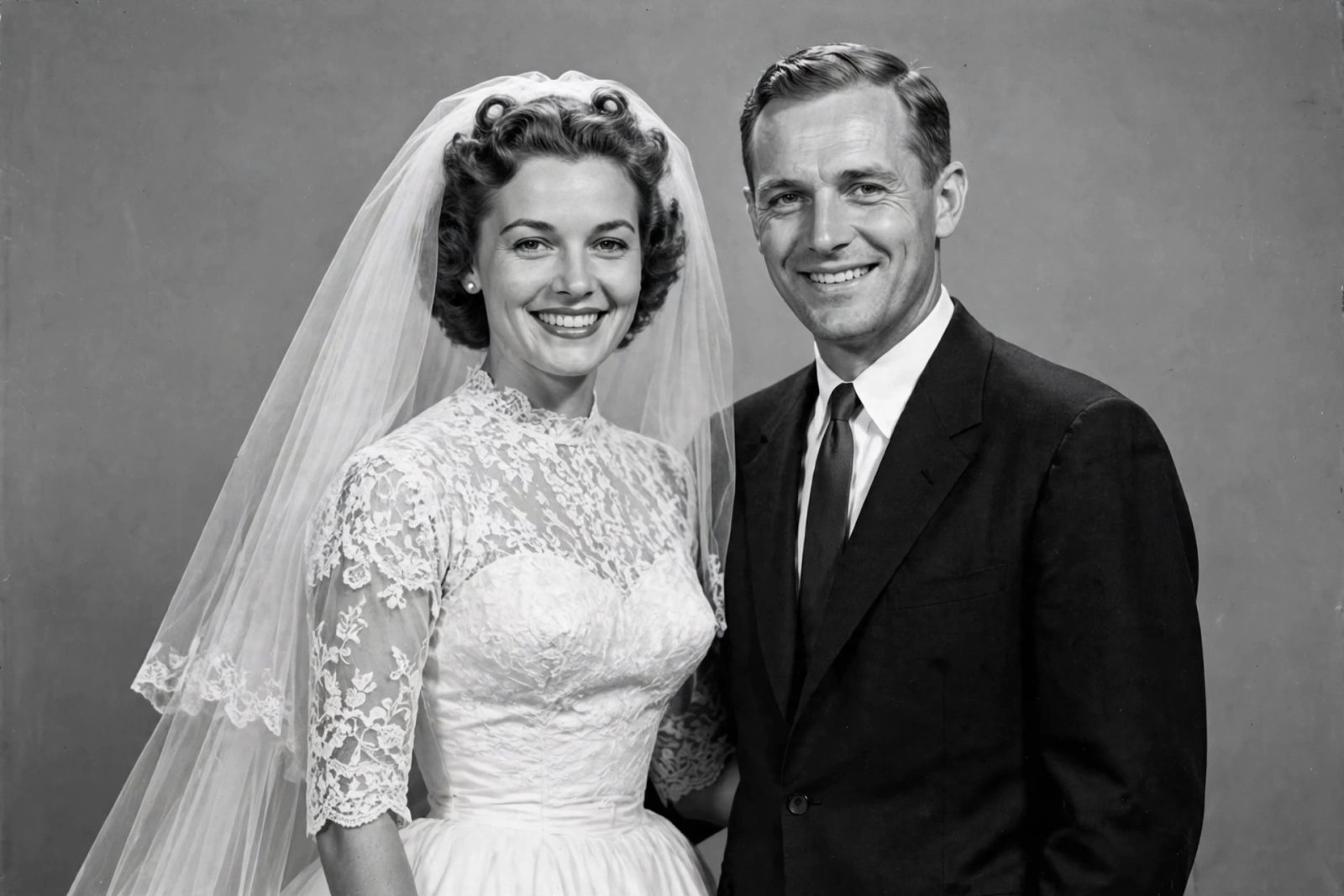
Mend a ripped 1980s bridal portrait by rebuilding the torn corner, smoothing creases, and restoring the couple’s original soft tones.

Customize this prompt
Fill in the fields below — the prompt text updates automatically. [BRACKETED] words are placeholders you replace.
The prompt
Repair this damaged wedding portrait, rebuilding the missing corner and torn edges so the image looks whole again. Reconstruct the missing area to match the original scene: the [BACKGROUND_DETAIL] behind the couple, such as a garden arch, church doorway, or studio backdrop, continued naturally with the same light and blur. Smooth out creases and scratches across the print, even out the exposure, and restore the soft warm tones of the [ERA] wedding dress, suit, and flowers. Keep both faces exactly as they are in the surviving part of the photo, with no reshaping or beautifying, and preserve the original composition and framing. The finished portrait should look like a clean, undamaged print from the same day, with no visible repair seams, no added people or objects, and no text or watermark.
How to use it
- Scan the damaged portrait at high resolution, including the torn edges.
- Describe the background detail that should continue into the missing corner.
- Paste the prompt with the photo into your restoration model.
- Zoom into the rebuilt corner and check it blends with the original light.
- Save the repaired portrait and keep the damaged scan as the archive copy.
Customization tips
Describe the background detail and era so the rebuilt corner matches the original scene.
Example use case
Repairing torn and damaged wedding portraits for families and archives.
Frequently asked questions
What if a face is partly in the torn area?
If a face is damaged, restore only what is clearly visible and keep the result honest; never invent a new face for a real person.
Can the repair remove creases across the whole photo?
Yes, crease and scratch removal is one of the most reliable parts of AI restoration, as long as the underlying detail survives.
Share
Tags: photo restoration wedding photo repair torn photo fix old photo repair photo editing vintage portrait restore photo
Reviewed by the PromptVault editorial team on November 19, 2026.
Source notes: Daily pipeline 20261119 batch 2