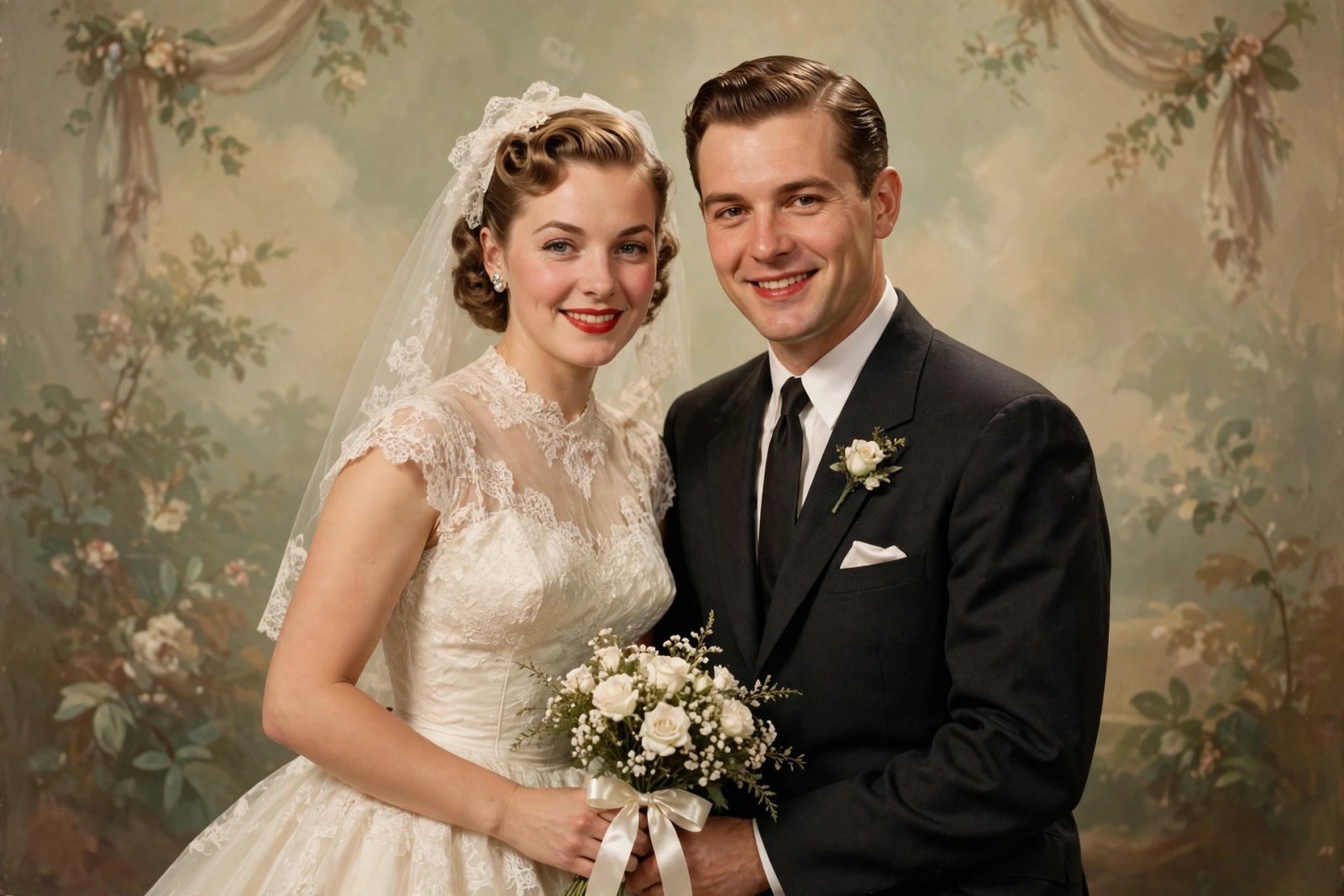
Old ID Photo Enhancement
Enhance an old ID or passport photo with sharp facial detail, clean background, and document-ready clarity.

Customize this prompt
Fill in the fields below — the prompt text updates automatically. [BRACKETED] words are placeholders you replace.
The prompt
Enhance the old identification photograph: sharpen facial features to clear, natural definition, remove grain, noise, and compression artifacts, correct uneven lighting and shadows across the face, clean the [BACKGROUND_COLOR] background to an even tone, and balance skin tones realistically. Keep the person's face, expression, and proportions exactly unchanged — this is enhancement, not alteration. Output must look like a fresh, professional ID photo: front-facing, neutral expression, plain background, high clarity. No beautifying filters, no reshaping, no text, no watermark.
How to use it
- Use the clearest available copy of the ID photo.
- Note the required [BACKGROUND_COLOR], usually white or light blue.
- Check your country's ID photo rules before submitting.
- Generate and verify the face is 100% unchanged in structure.
- Use for digital records or reprint applications.
Customization tips
Set the background color to match your document requirements.
Example use case
Useful for digitizing records and refreshing official photo archives.
Frequently asked questions
Is this acceptable for official documents?
Rules vary by country — enhancement for clarity is usually fine, alteration is not.
Can it fix a tilted head?
Minor rotation can be straightened; the face itself must not be reshaped.
Share
Tags: id photo enhancement passport sharpen document restore official
Reviewed by the PromptVault editorial team on October 12, 2026.
Source notes: Daily pipeline 20261012 batch 103