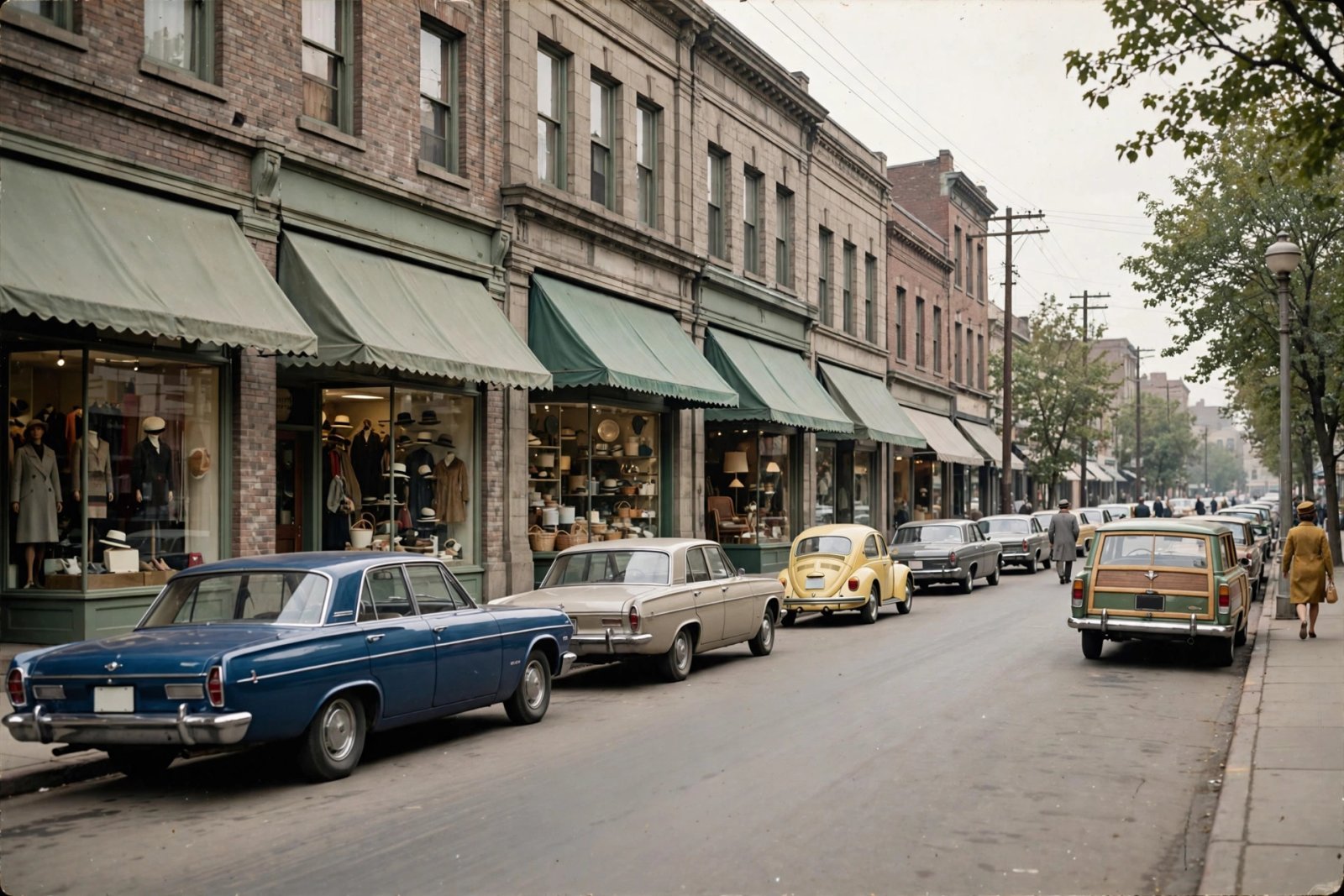
Childhood Photo Upscale and Sharpen
Upscale a blurry childhood photo to crisp clarity with natural detail and preserved nostalgic charm.

Customize this prompt
Fill in the fields below — the prompt text updates automatically. [BRACKETED] words are placeholders you replace.
The prompt
Upscale and sharpen the childhood photograph: increase resolution [UPSCALE_FACTOR] while reconstructing natural detail in faces, hair, and clothing textures, remove blur and camera shake intelligently without creating plastic skin, reduce noise and JPEG artifacts, and restore faded colors to cheerful [ERA] accuracy. Keep the nostalgic feel — soft vintage warmth is welcome, artificial over-sharpening is not. Every face, toy, and background detail must remain true to the original. Output: a crisp, clear, heartwarming photo ready for large prints. No text, no watermark, no invented details.
How to use it
- Start with the highest-resolution copy you have.
- Set [UPSCALE_FACTOR] like 4x and the [ERA] for color reference.
- Point out the key faces that matter most.
- Generate and compare at 100% zoom for natural detail.
- Print large for a nostalgic wall display.
Customization tips
Set the upscale factor and era for the best nostalgic result.
Example use case
Heartwarming for anyone revisiting precious early memories.
Frequently asked questions
How much can blurry photos improve?
Moderate blur sharpens beautifully; extreme blur improves but stays soft.
Will faces look fake?
Request 'natural detail, no plastic smoothing' to keep faces authentic.
Share
Tags: upscale sharpen childhood enhance nostalgia clarity memories
Reviewed by the PromptVault editorial team on October 12, 2026.
Source notes: Daily pipeline 20261012 batch 103