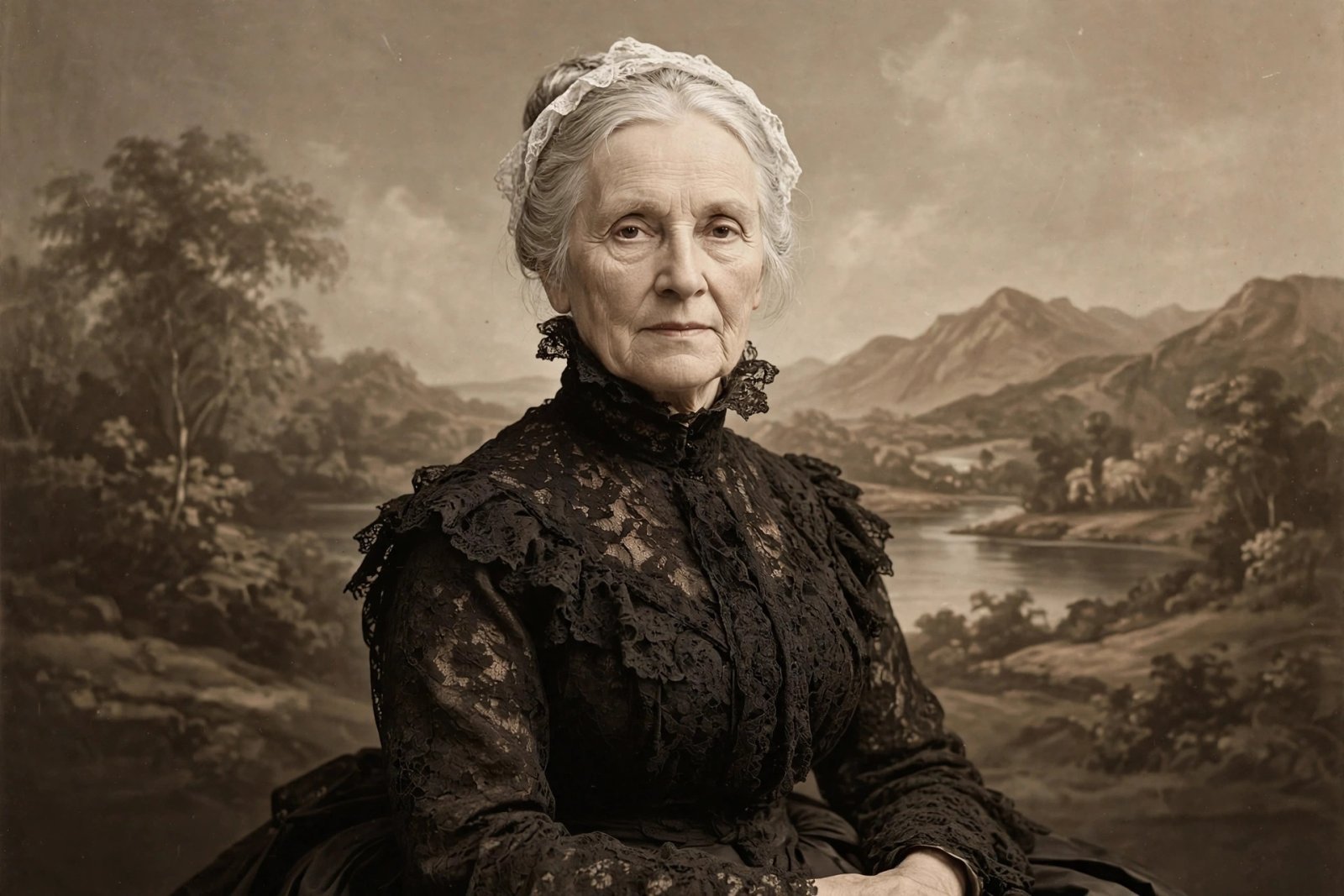
Upscale a Grainy VHS-Era Childhood Photo to Sharp Detail
An enhancement prompt that upscales a blurry VHS-era childhood photo into a sharp, printable keepsake.

Customize this prompt
Fill in the fields below — the prompt text updates automatically. [BRACKETED] words are placeholders you replace.
The prompt
Enhance and upscale this grainy VHS-era childhood photograph into a sharp, printable keepsake. Remove [NOISE_TYPE] noise and compression artifacts, deblur the [FOCUS_SUBJECT] (faces, birthday cake, toys) while keeping natural skin texture, and recover edge detail in hair and fabric. Boost the faded [COLOR_CAST] color cast to balanced, lively tones without oversaturation, fix the [LIGHTING_ISSUE] (harsh flash, dim room), and straighten the horizon if tilted. Keep every face's likeness identical, do not invent new background details beyond gentle cleanup, and preserve the photo's nostalgic feel. Output at [RESOLUTION] suitable for an 8x10 print, no added text or watermark.
How to use it
- Upload the photo and name the noise and lighting problems.
- Ask for deblurring with natural skin texture preserved.
- Correct the color cast and fix harsh flash or dim exposure.
- Lock likeness and forbid invented background details.
- Export at print resolution and check faces at 100 percent zoom.
Customization tips
Adjust for wedding photos or sports snapshots by changing the [FOCUS_SUBJECT] and [LIGHTING_ISSUE].
Example use case
Family albums, framed gifts, or digitizing old photo collections for sharing.
Frequently asked questions
How large can I print the result?
Request [RESOLUTION] at 300 DPI; a good upscale supports 8x10 prints and often larger.
Will it still feel like the original photo?
The prompt preserves the nostalgic feel and only cleans damage, so the memory stays intact.
Share
Tags: upscale enhance childhood photo vhs sharpen family
Reviewed by the PromptVault editorial team on October 21, 2026.
Source notes: Daily pipeline 20261021 batch 2