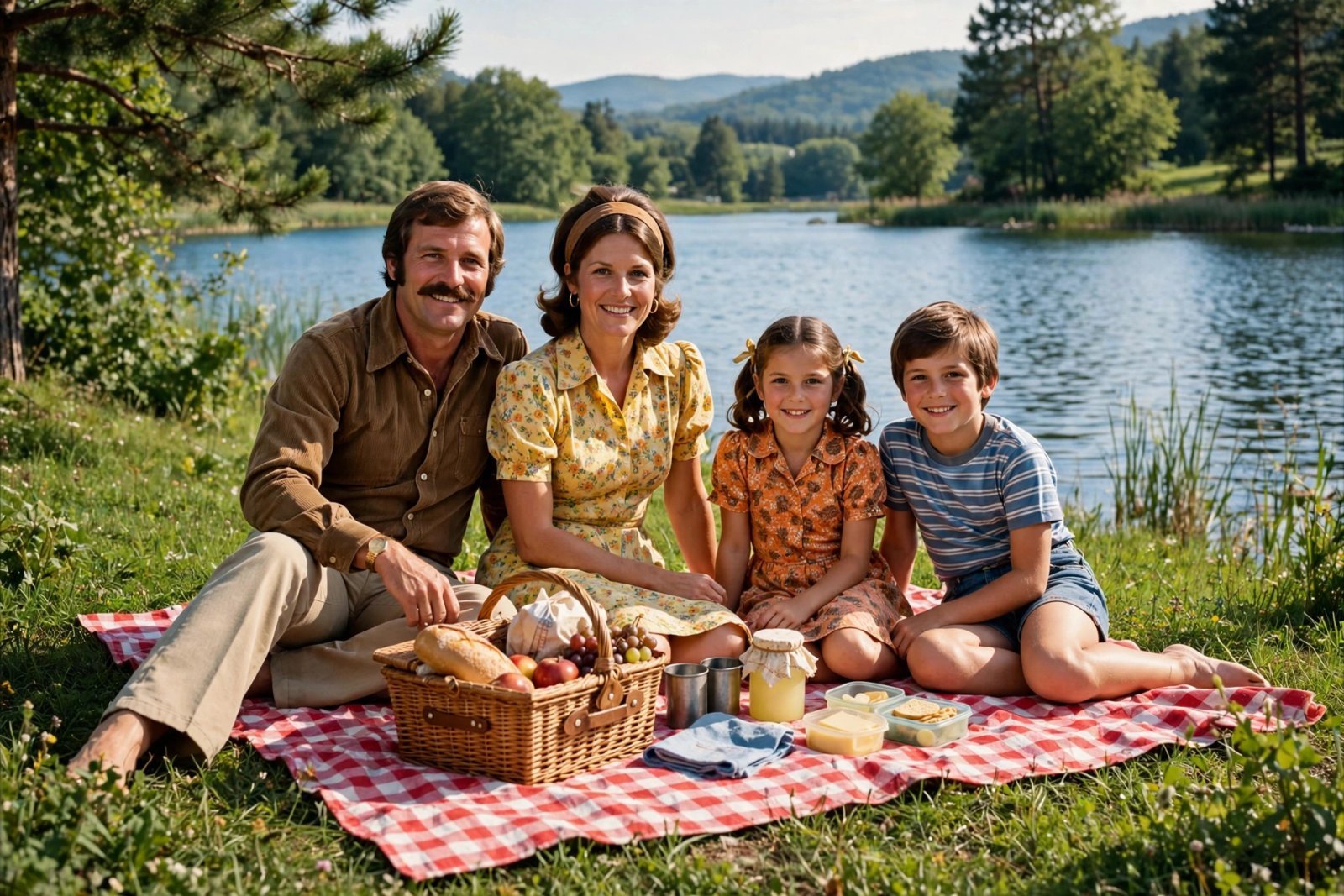
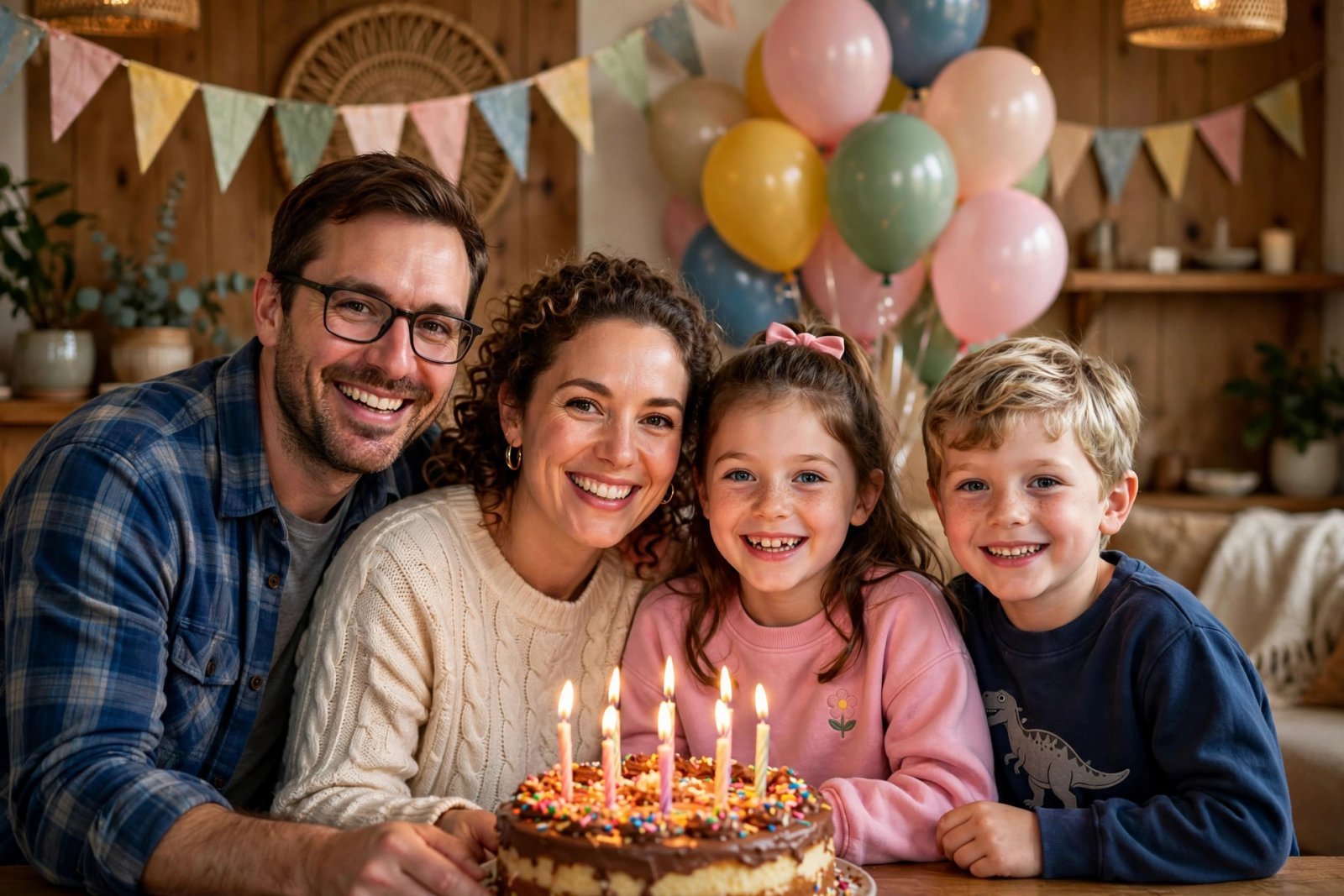
Rescue a Soft Childhood Portrait with AI Enhancement
A photo enhancement prompt: gently rescue a soft, blurry childhood portrait with detail recovery.
Customize this prompt
Fill in the fields below — the prompt text updates automatically. [BRACKETED] words are placeholders you replace.
The prompt
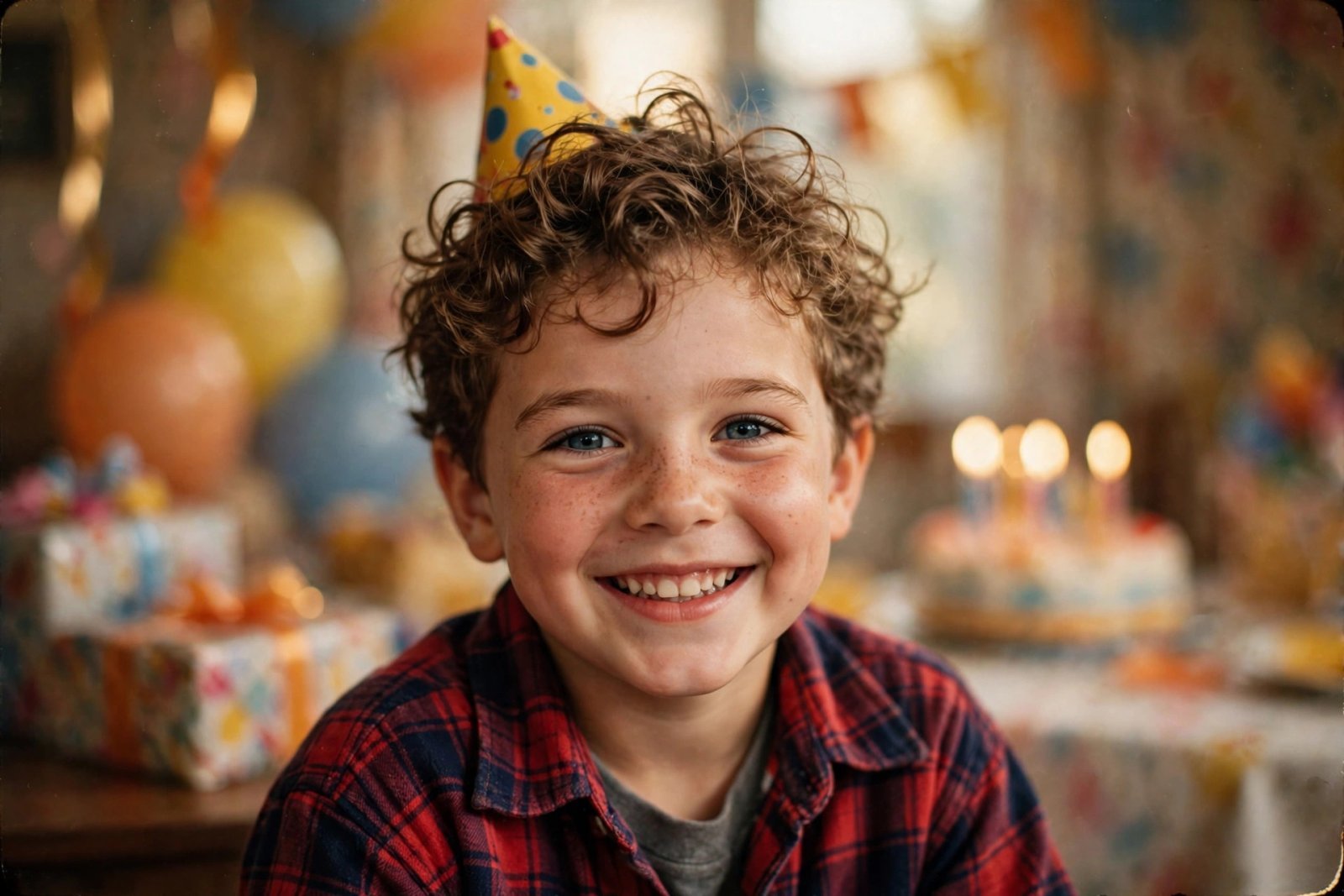
Enhance this blurry childhood photograph without changing the child's identity. Subject: [CHILD_DESCRIPTION] in a [SETTING] (birthday party, backyard, school photo). Enhancement goals: recover facial detail — eyes, smile, hair texture — sharpen clothing patterns, reduce motion blur while keeping a natural soft photo feel, fix [DAMAGE] (grain, color cast, scratches) if present. Rules: do not age the child, do not change the face shape or expression, keep the original [PHOTO_MOOD] and era look, no beautification filters, no added people or objects, output the same composition at higher clarity.
How to use it
- Upload the blurry portrait as reference.
- Describe the child, setting, and any damage.
- Set enhancement intensity: gentle for keepsake feel.
- Generate and verify the face still matches the original.
- Save alongside the original for the family archive.
Customization tips
Tune [DAMAGE] ('heavy grain', 'color cast') and keep enhancement gentle to preserve the keepsake feel.
Example use case
Family archives, memorial prints, and digitizing old photo albums.
Frequently asked questions
Will sharpening change the face?
No — identity, face shape and expression are locked to the original.
What if the photo is very blurry?
Expect improved clarity, not miracles — severe blur recovers softness, not lost detail. The prompt is honest about limits.
Share
Tags: photo enhancement sharpen childhood photos restore upscale
Reviewed by the PromptVault editorial team on October 23, 2026.
Source notes: Daily pipeline 20261023 batch 2