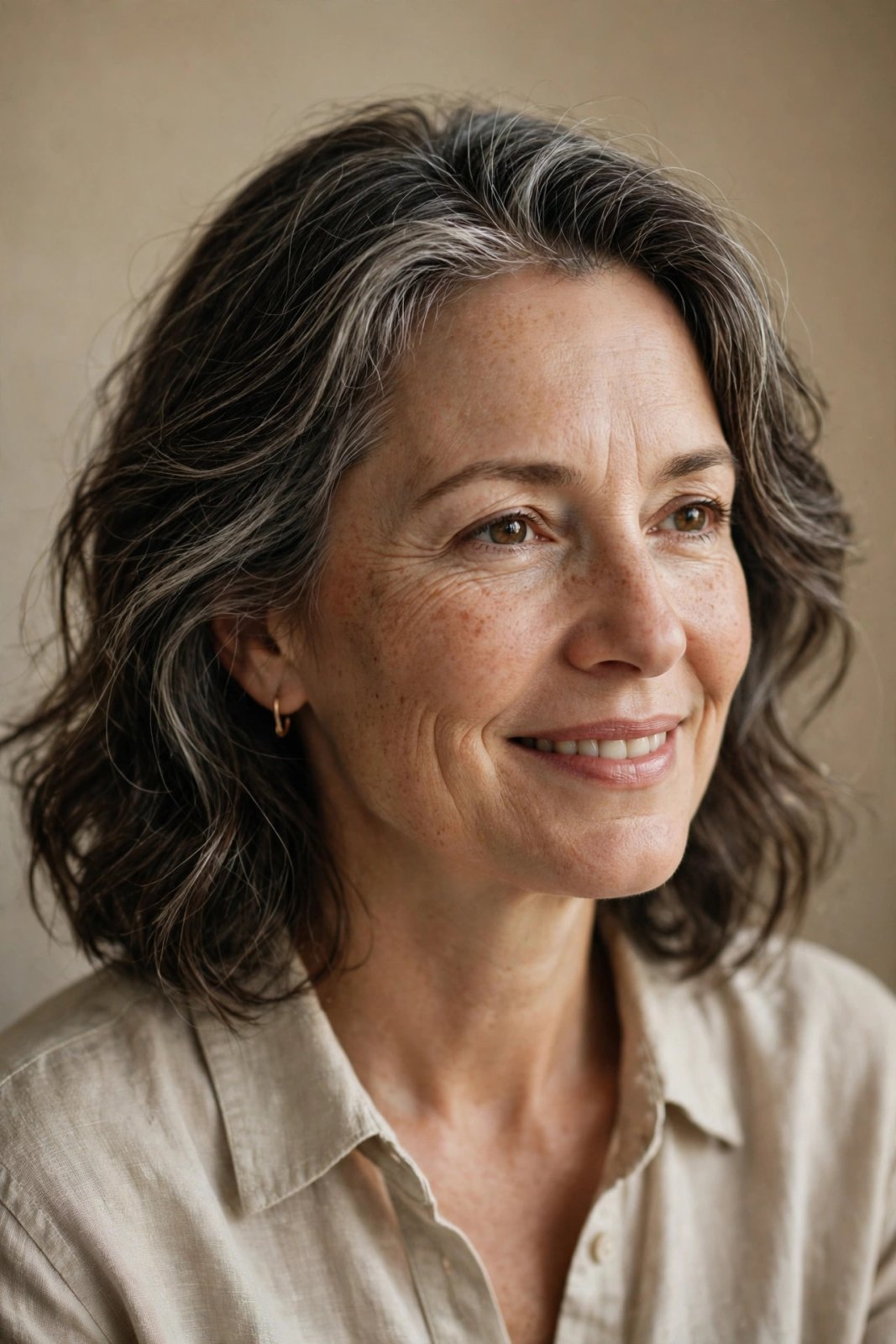
Still Portrait Blink and Smile Image to Video Prompt
Turn a still portrait into a living one with a gentle blink and smile using this image-to-video prompt for Kling and Seedance.

Customize this prompt
Fill in the fields below — the prompt text updates automatically. [BRACKETED] words are placeholders you replace.
The prompt
Animate a still portrait with this image-to-video prompt: [SOURCE IMAGE] a studio portrait of [SUBJECT] a woman in soft window light, [MOTION] she blinks slowly once, her eyes crinkle and a gentle smile spreads across her face, [HEAD MOVEMENT] a slight tilt toward the camera, no more than a few degrees, [HAIR AND CLOTHING] a soft breeze moves a single strand of hair while the rest of the frame stays perfectly still, [LIGHT] the window light warms by a fraction as if a cloud passed, [DURATION] 4 seconds of subtle motion, [STYLE] photorealistic, natural skin texture, no warping of the face or background
How to use it
- Start from a sharp, front-facing portrait with even lighting.
- Describe only small motions: one blink, a smile, a slight head tilt.
- Explicitly tell the model to keep the background and clothing still.
- Set the duration to 4 seconds so the motion stays subtle.
- Generate two or three takes and pick the one with the cleanest eyes.
Customization tips
Swap the smile for a thoughtful look, animate an old family photo, or add a slow camera push-in.
Example use case
Living portraits, memorial tributes, social profile videos and ads.
Frequently asked questions
Why does the face warp when I animate a portrait?
Large motions and long durations cause warping; keep the movement to one blink and a small smile over about 4 seconds.
Which models animate portraits most cleanly?
Kling and Seedance handle subtle facial motion well; start from a sharp, front-facing photo for the best result.
Share
Tags: image to video portrait animation kling seedance living portrait ai video
Reviewed by the PromptVault editorial team on November 26, 2026.
Source notes: Daily pipeline 20261126 batch 5