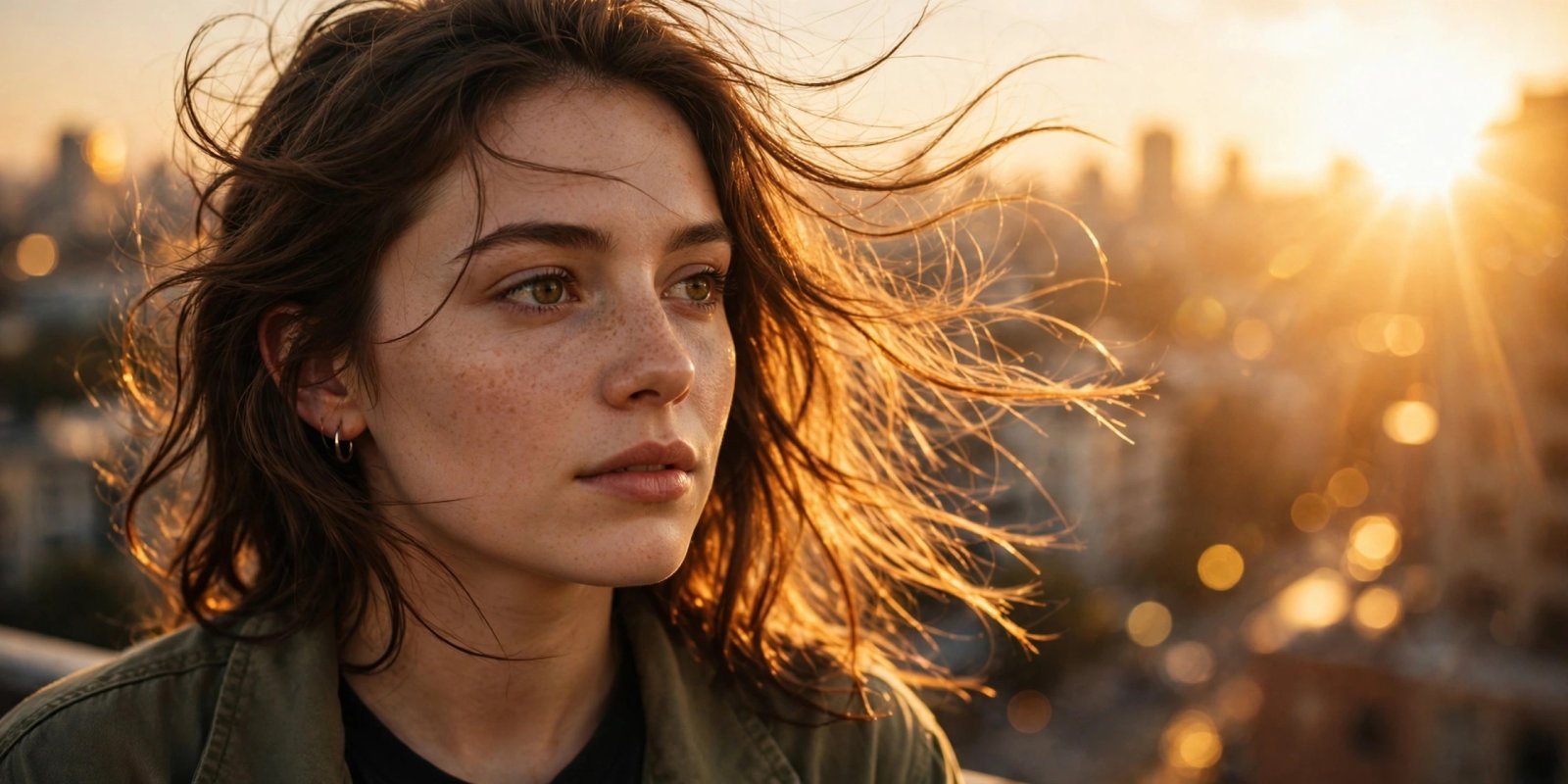
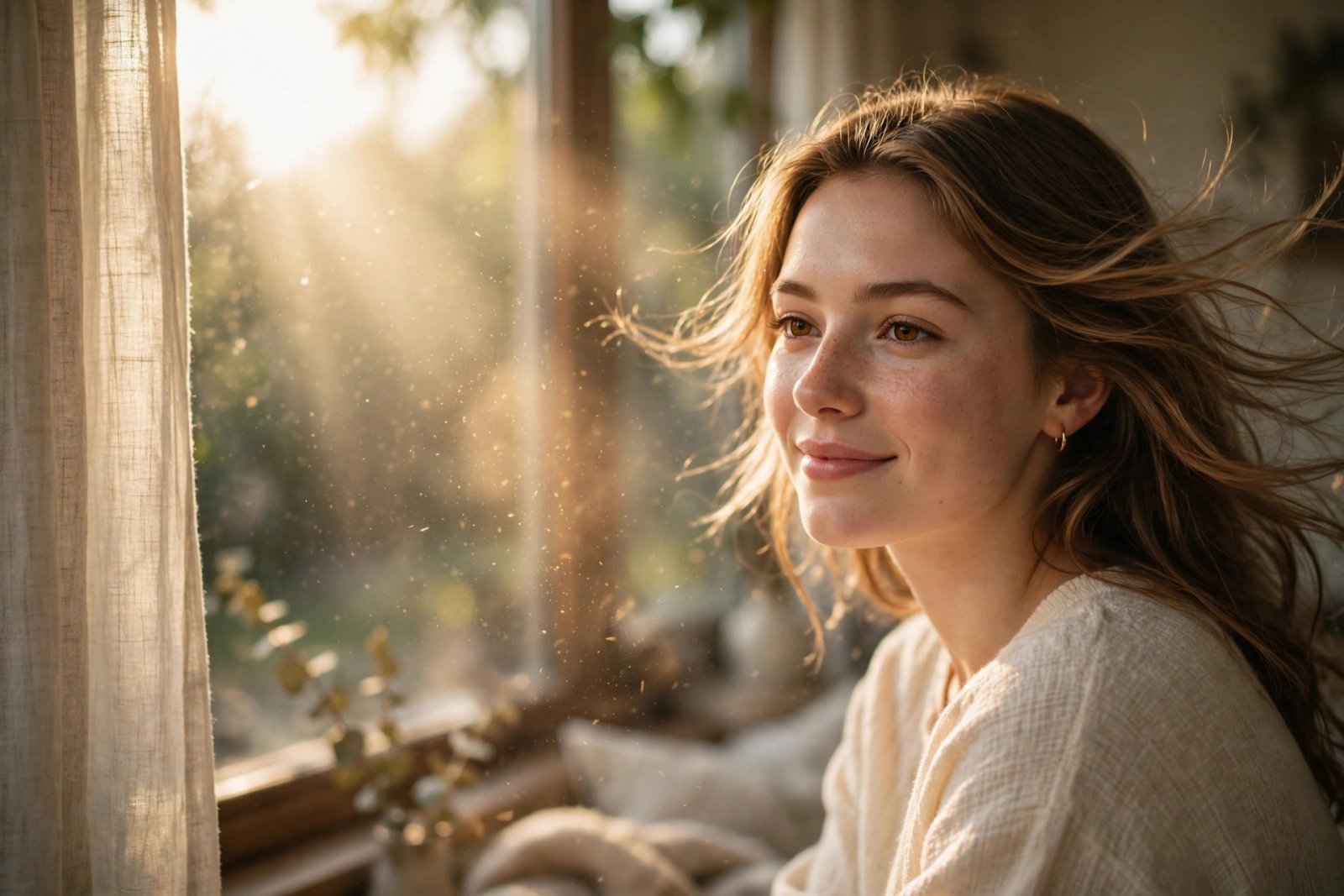
Turn a Portrait Into a Living Blink-and-Smile Clip
Animate a single portrait so the subject blinks, breathes and breaks into a gentle smile, without ever leaving the frame.

Customize this prompt
Fill in the fields below — the prompt text updates automatically. [BRACKETED] words are placeholders you replace.
The prompt
Take a portrait photograph of a [SUBJECT_DESCRIPTION] and animate it into a natural 5 second living portrait. Keep the face, framing and [BACKGROUND_STYLE] background exactly as photographed. Add only small, lifelike motion: a slow blink, a soft breath that lifts the shoulders, a slight head tilt and finally a gentle smile that reaches the eyes. Keep the movement slow and realistic with no zoom and no warping of facial features, so the result feels like a real person caught in a quiet moment rather than an effect. End on the smile held for a beat.
How to use it
- Choose a sharp, well-lit portrait with the face clearly visible.
- Describe the micro-motions: blink, breath, tilt and smile.
- Upload the portrait to your image-to-video tool and paste the prompt.
- Generate a 5 second clip at low motion strength to protect the face.
- Check the features stay true to the original photo in every frame.
Customization tips
Change the subject, the mood or the final expression to suit your photo.
Example use case
Family keepsakes, memorial tributes and profile videos.
Frequently asked questions
Will the face stay accurate?
At low motion strength, yes — keep the motion small and avoid prompts that ask for big head turns or expression changes.
Can I use this for old family photos?
Yes, it works beautifully for scanned portraits; start from the sharpest scan you have.
Share
Tags: image to video prompt living portrait animate portrait photo AI video from image blink and smile photo animation portrait video
Reviewed by the PromptVault editorial team on November 19, 2026.
Source notes: Daily pipeline 20261119 batch 5